jQuery Slideshow -prettyPhoto Plugin













Background
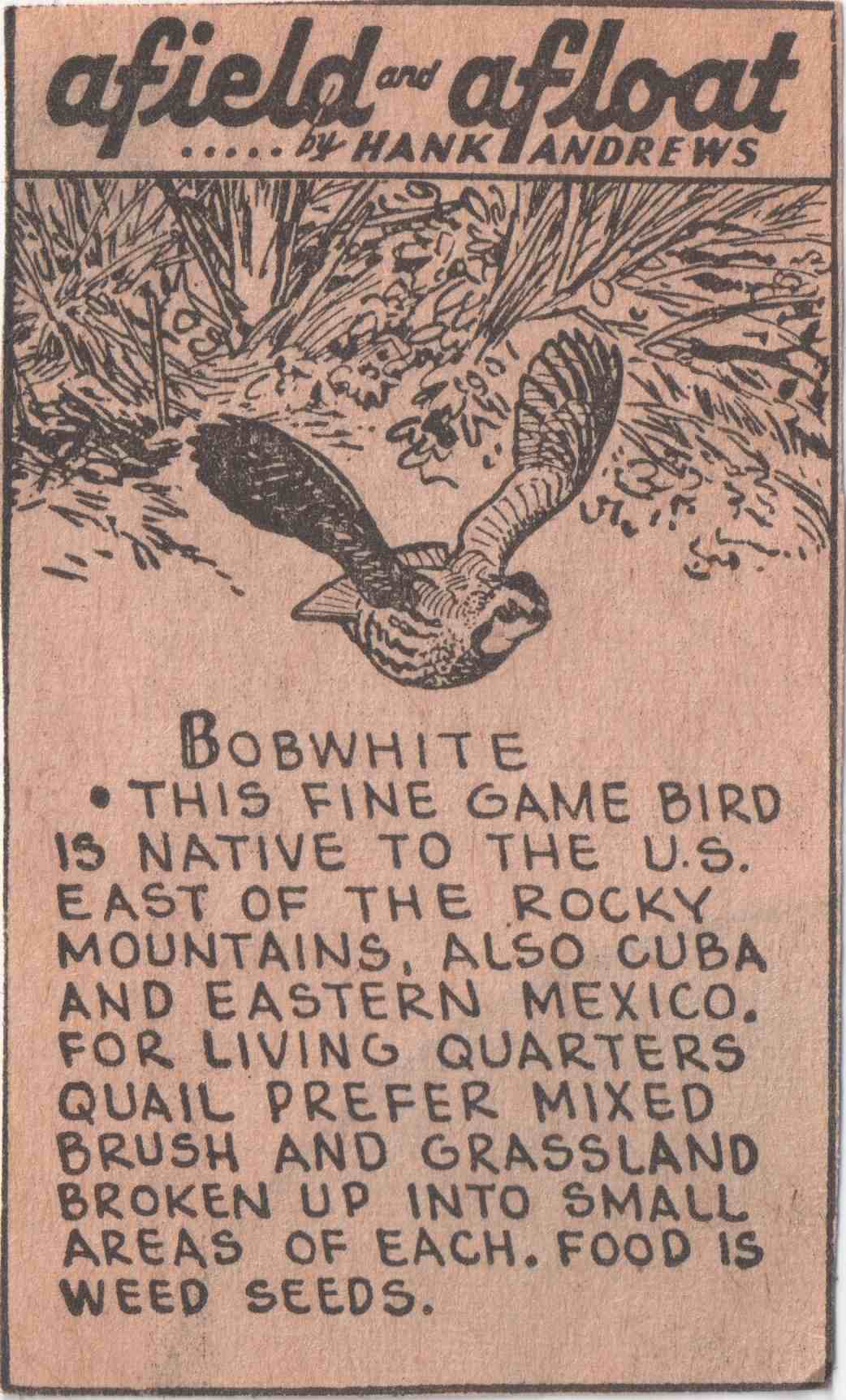
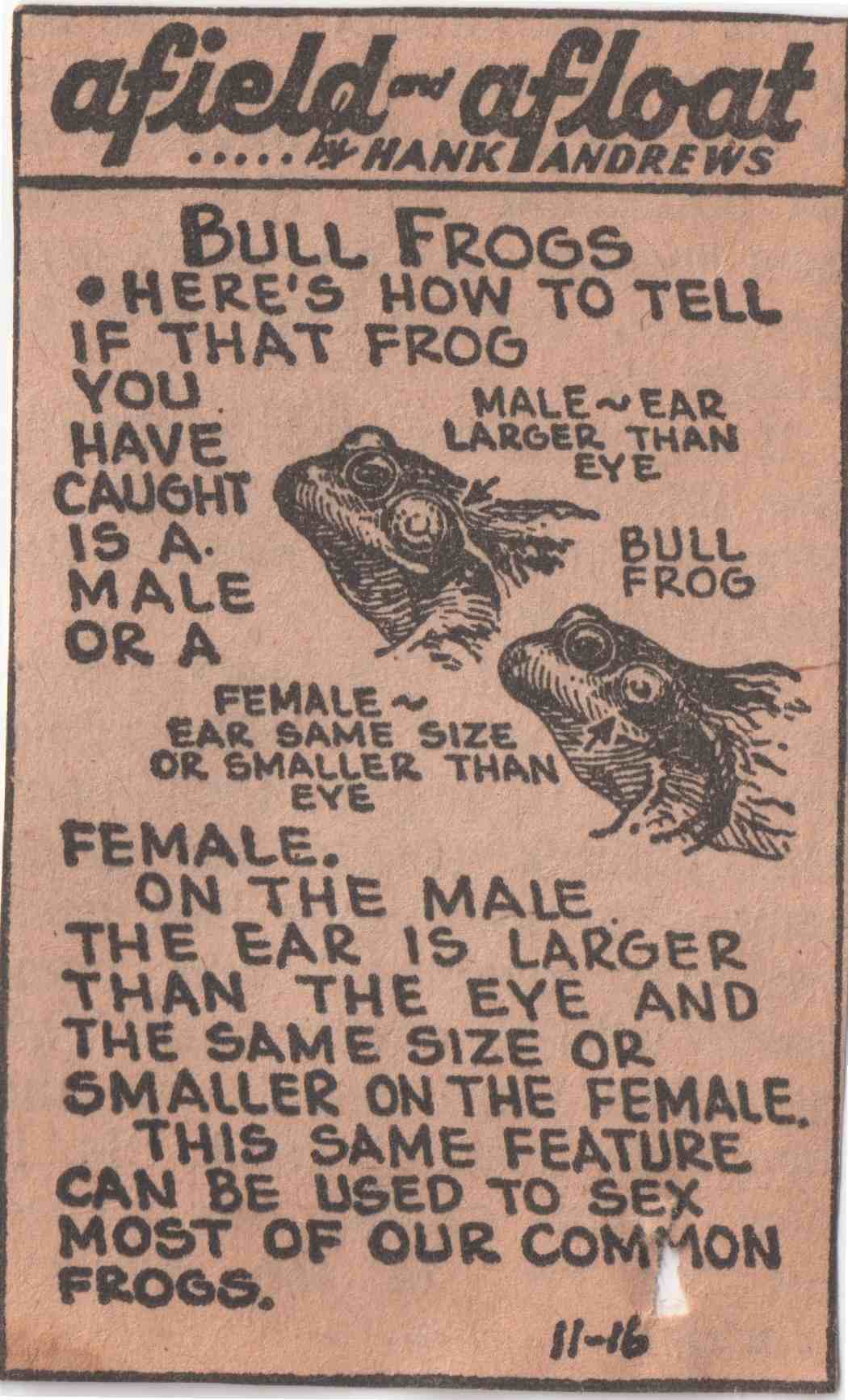
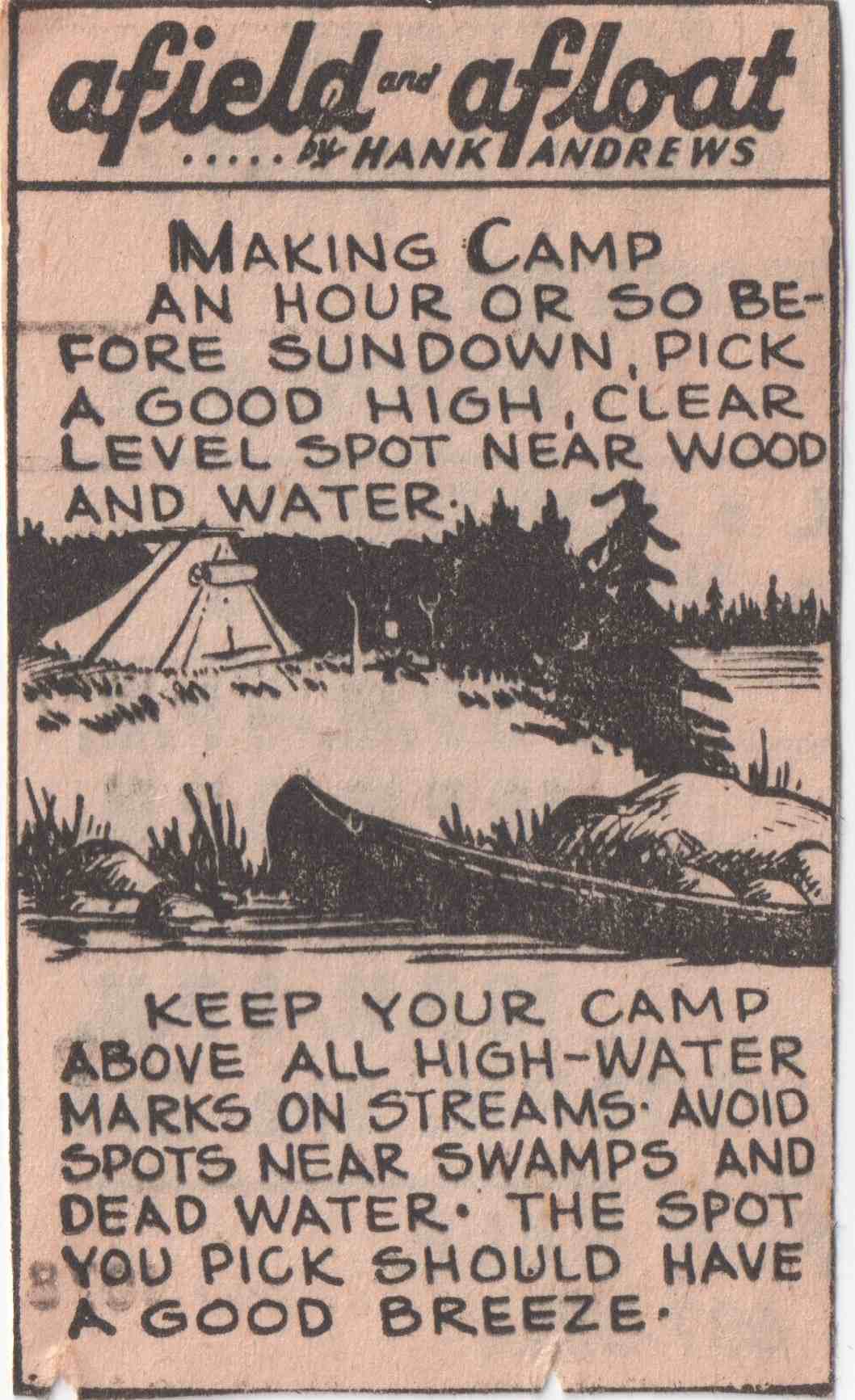
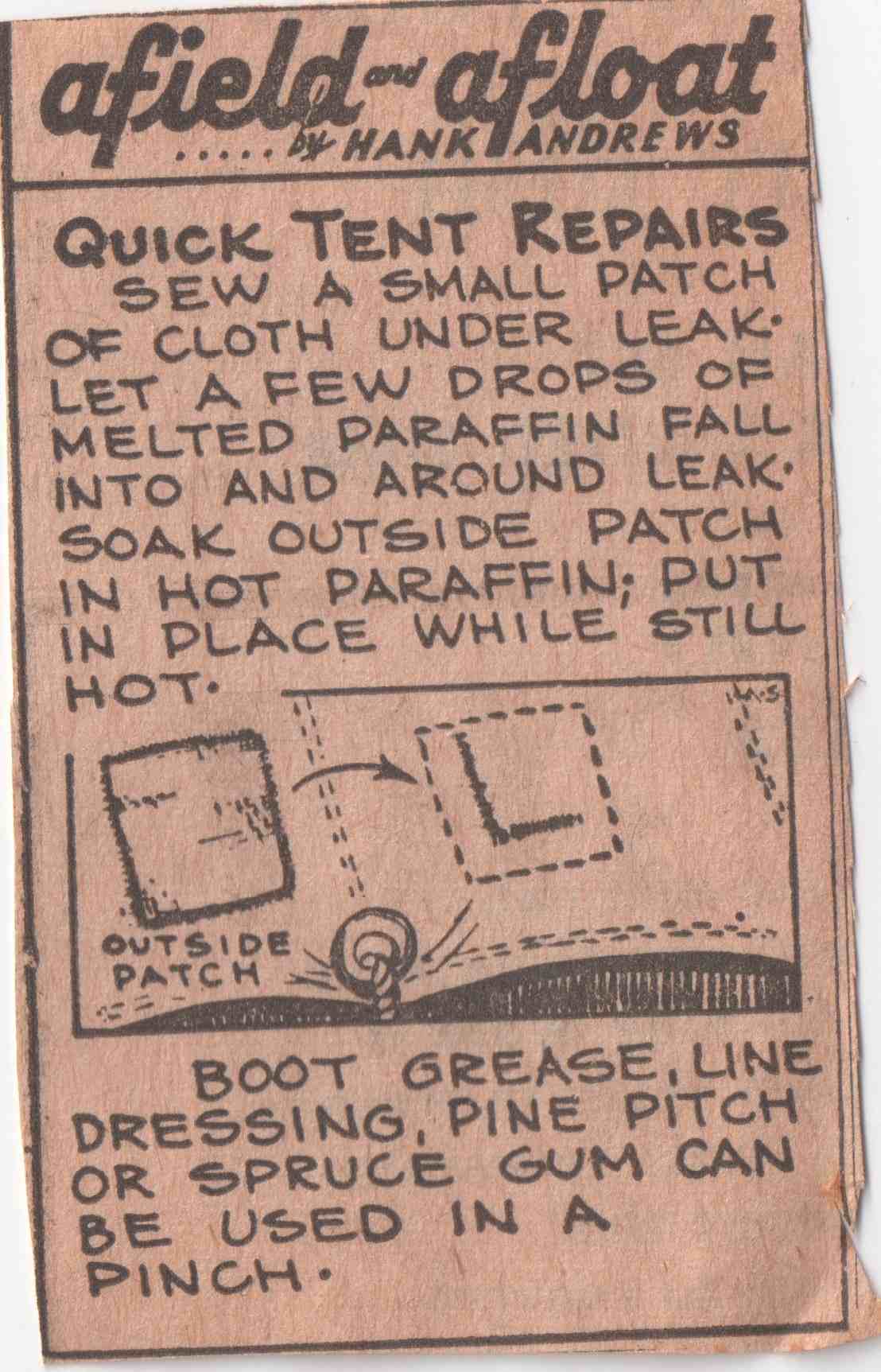
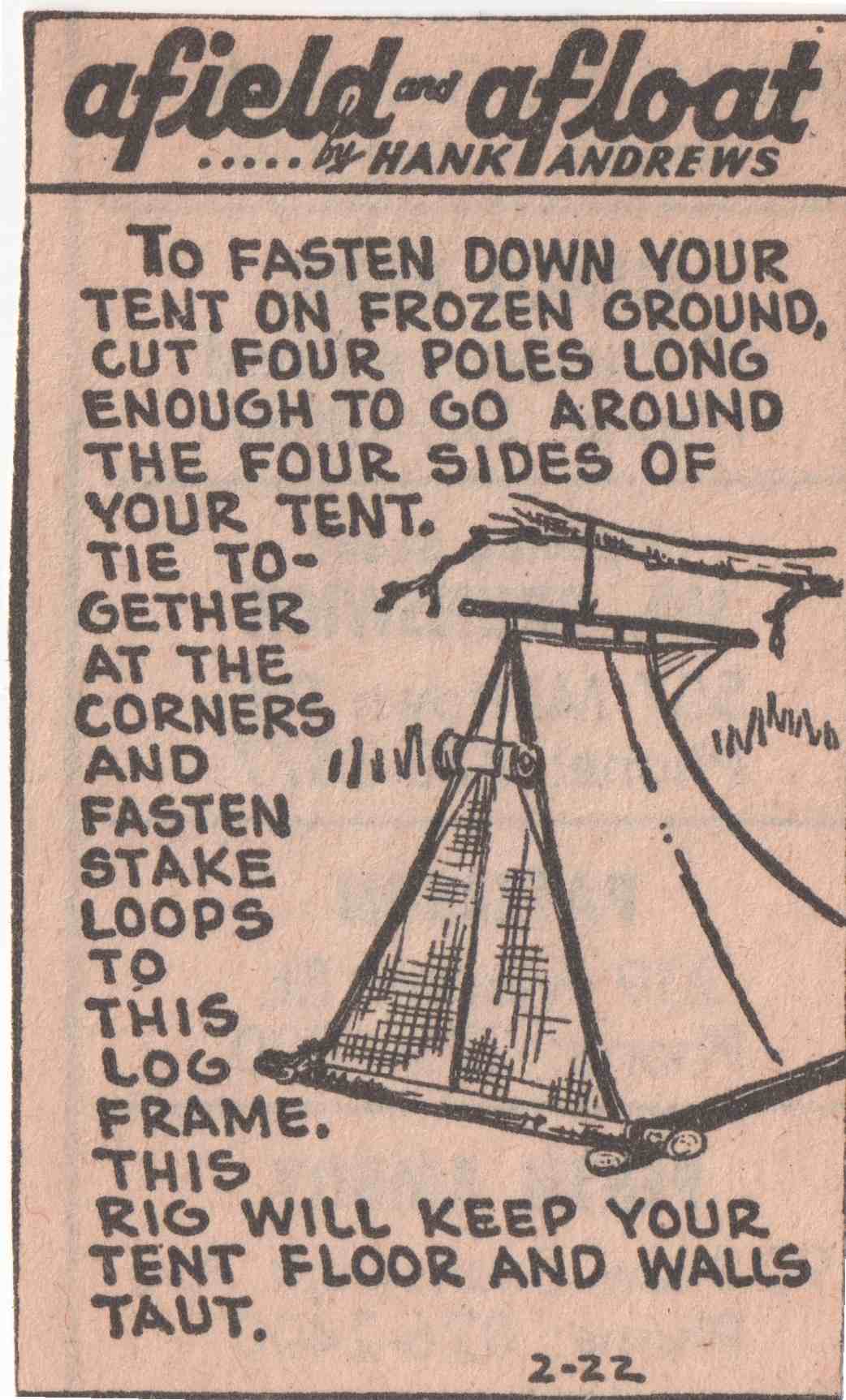
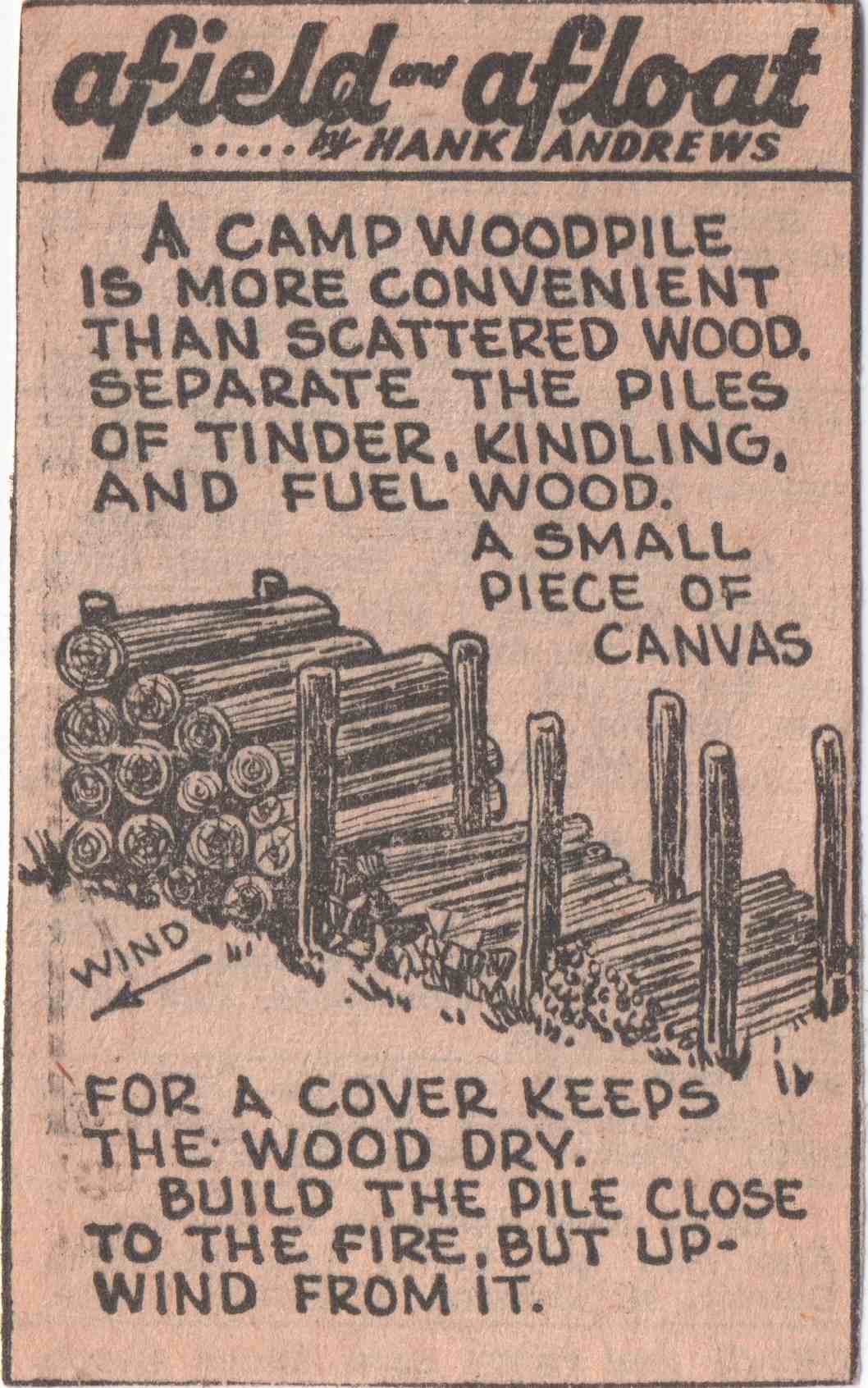
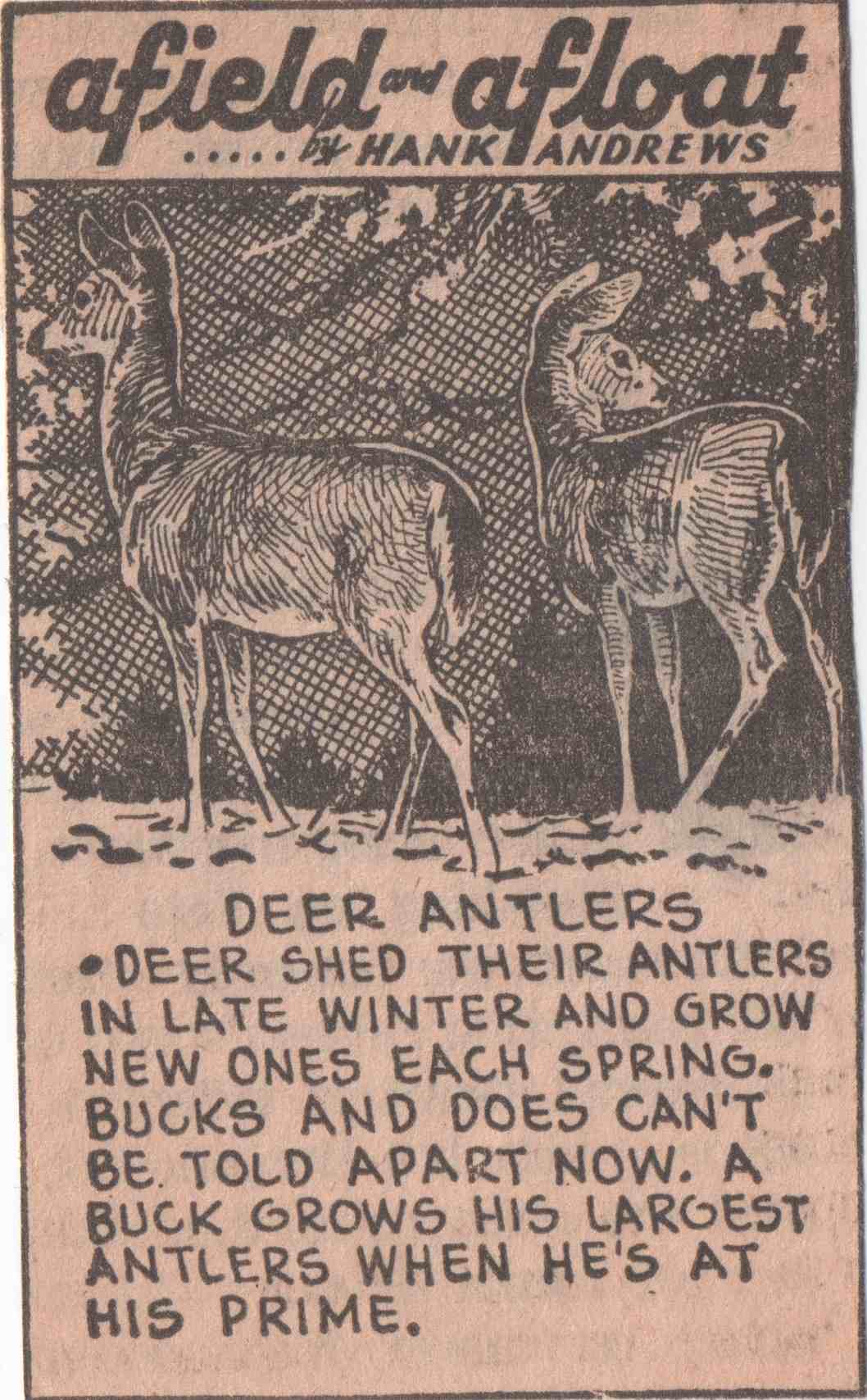
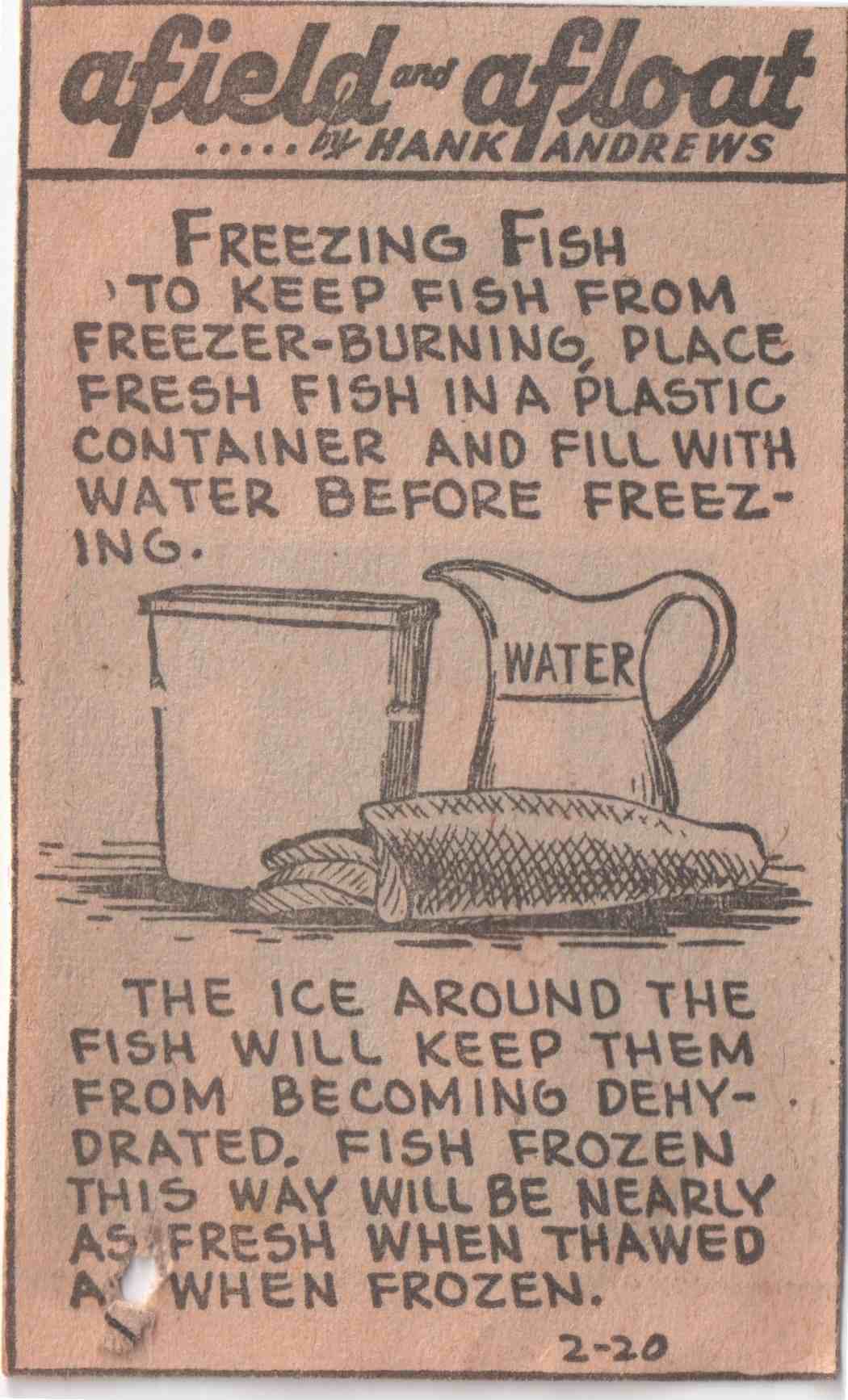
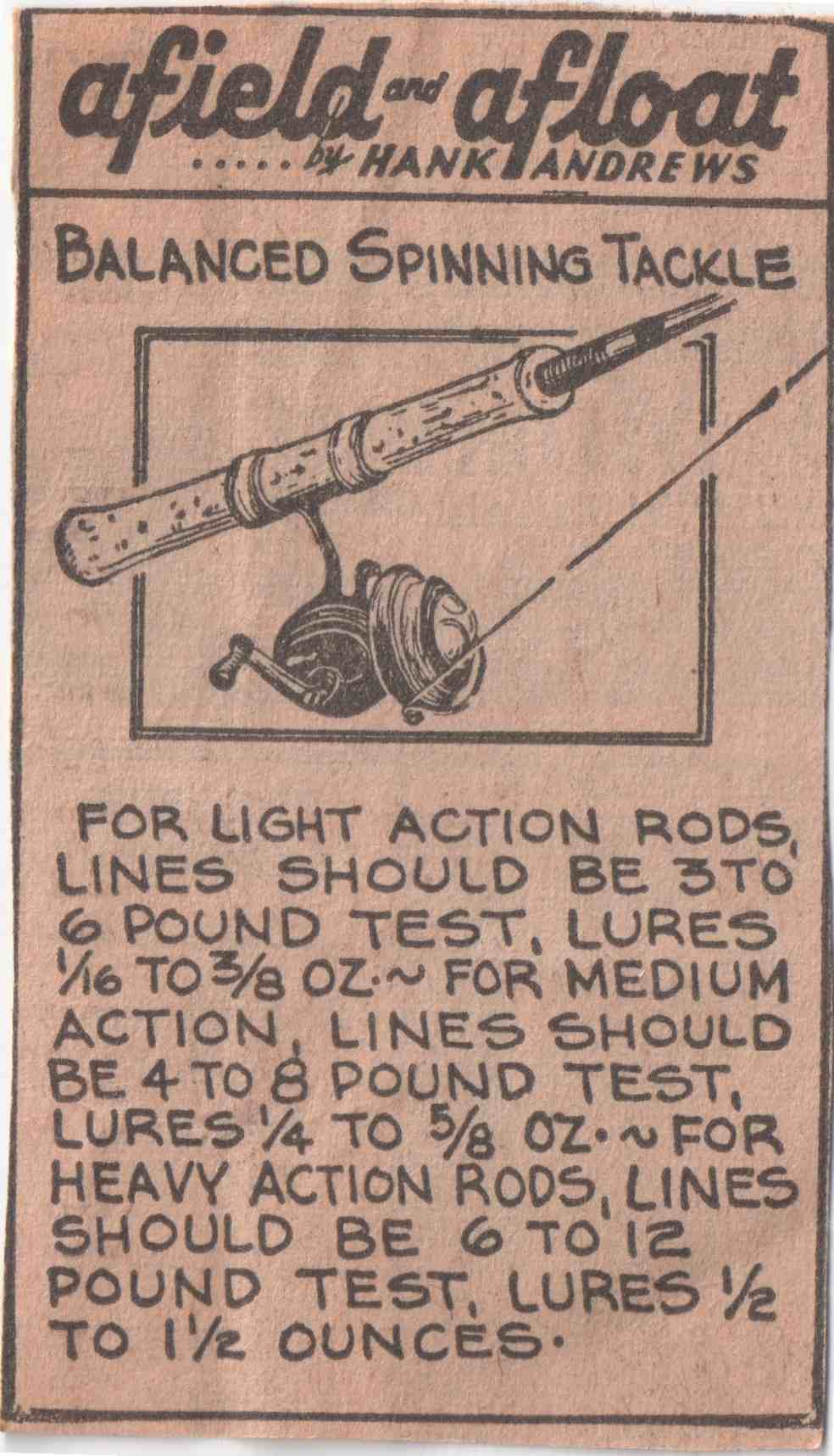
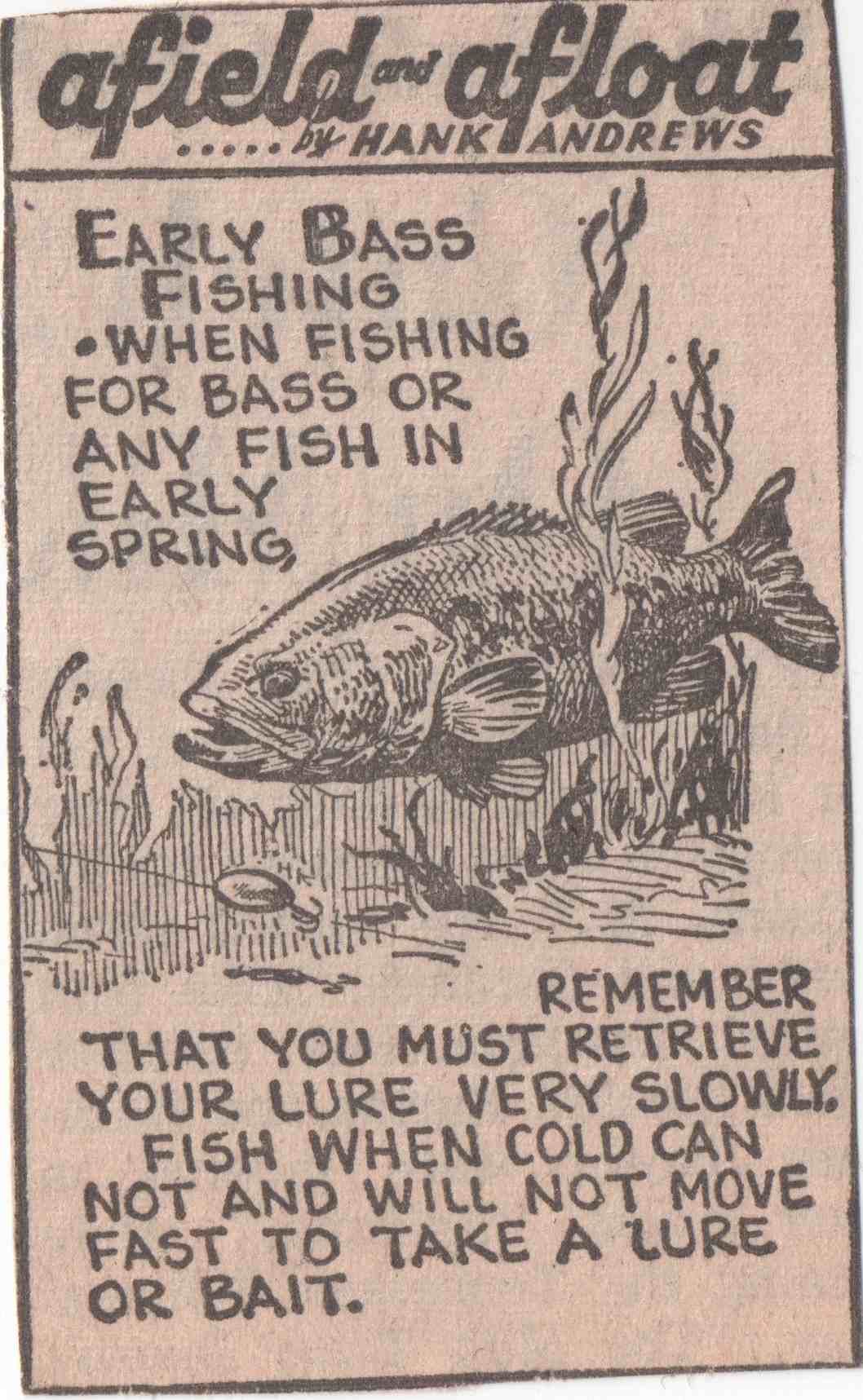
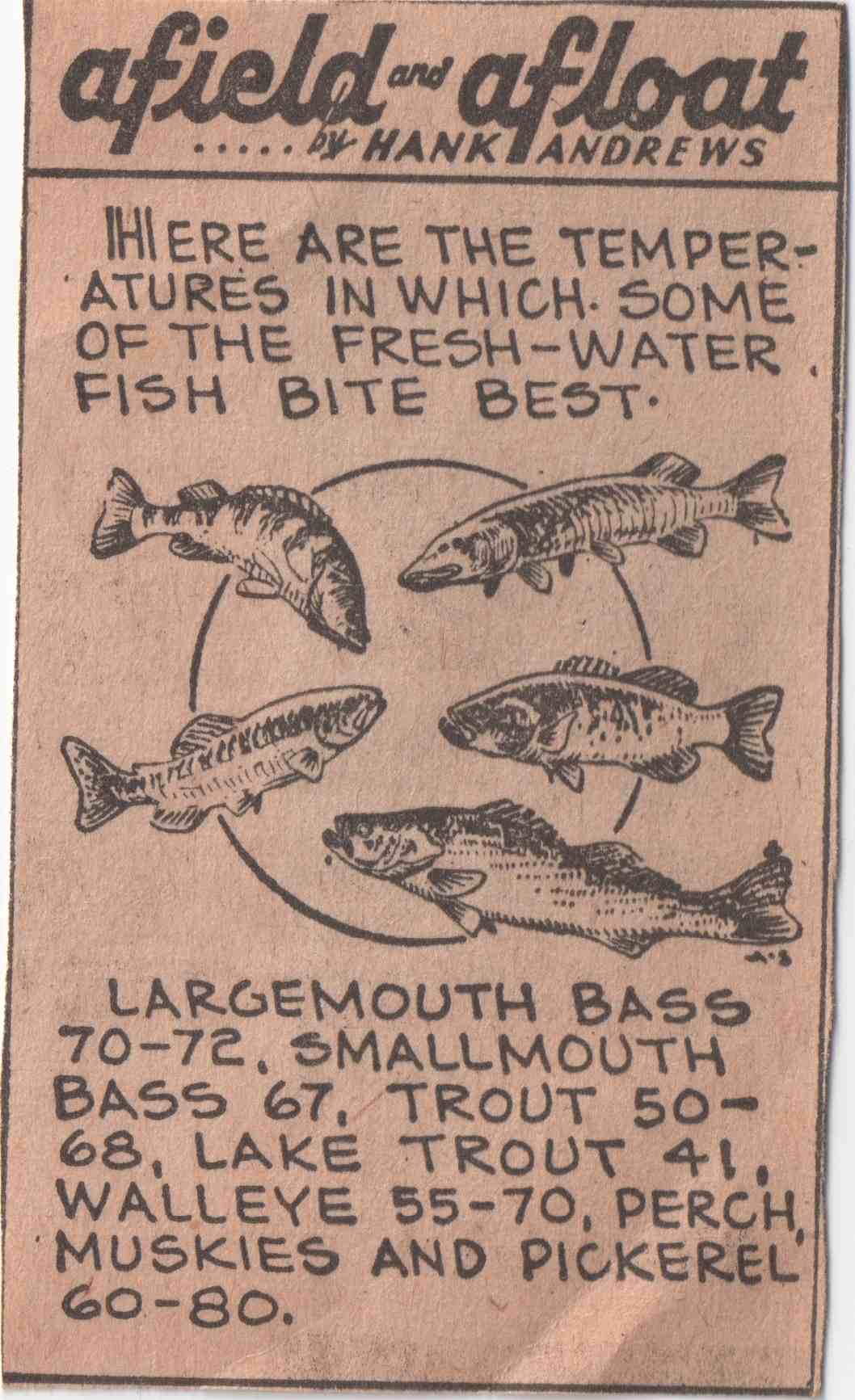
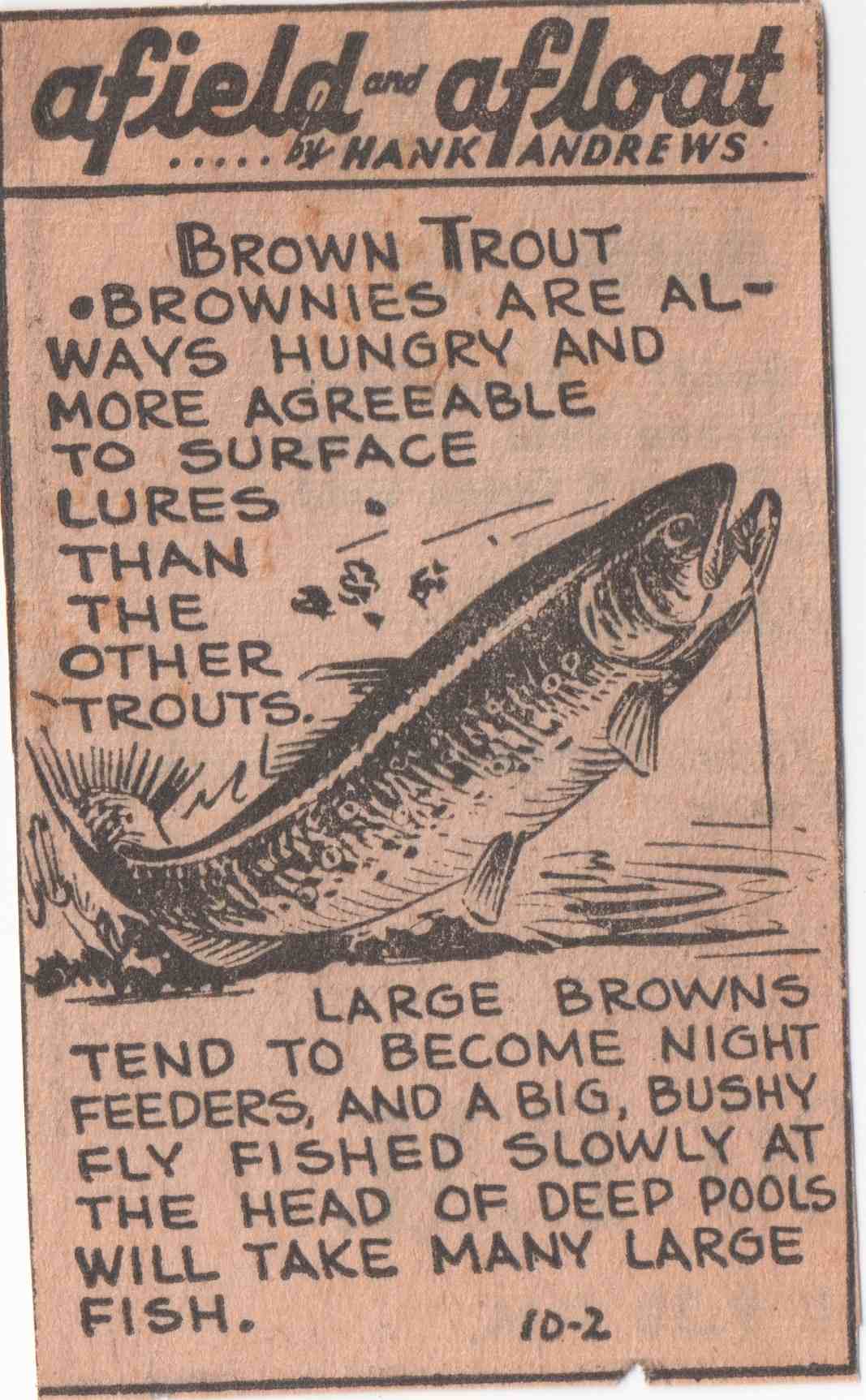
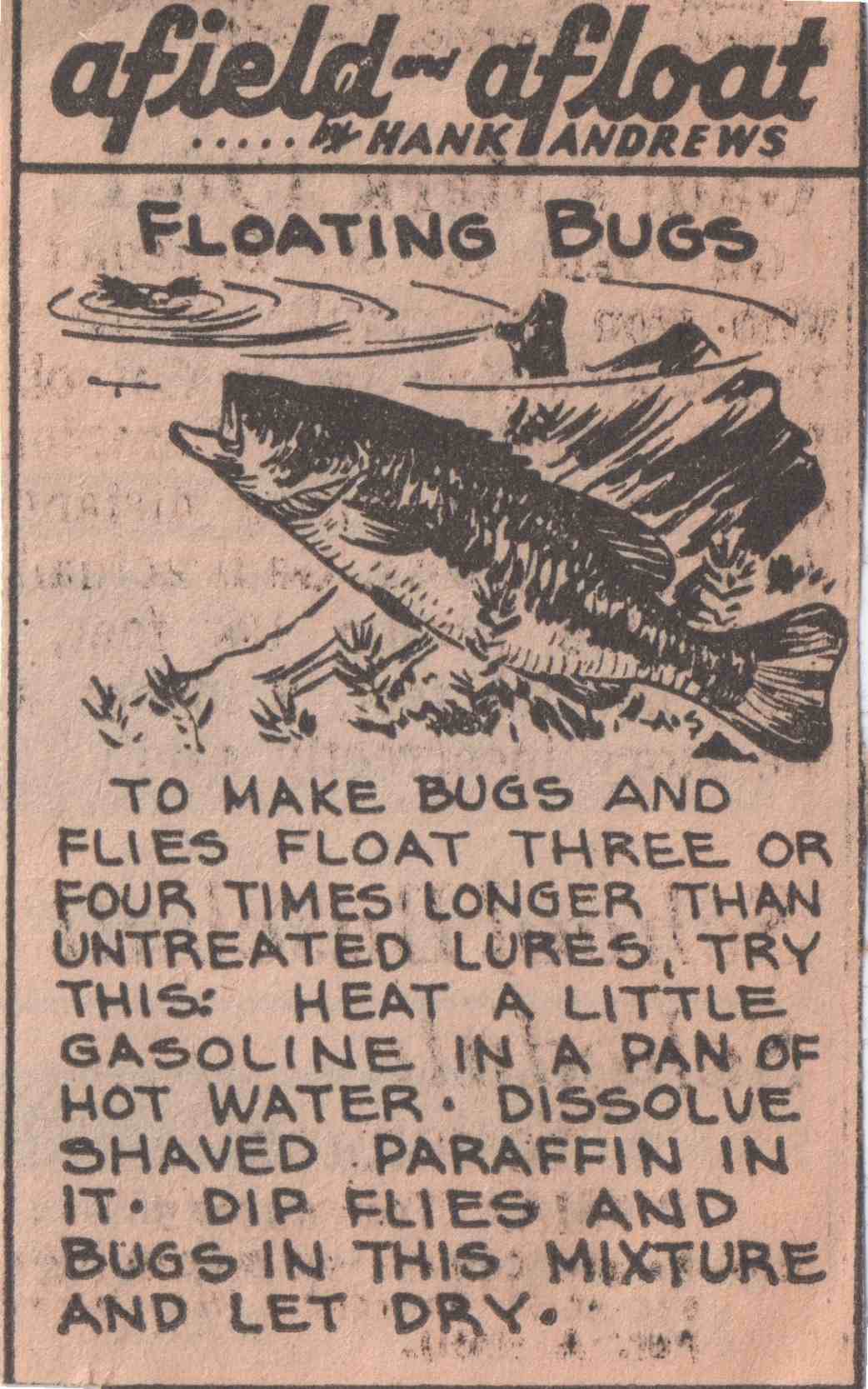
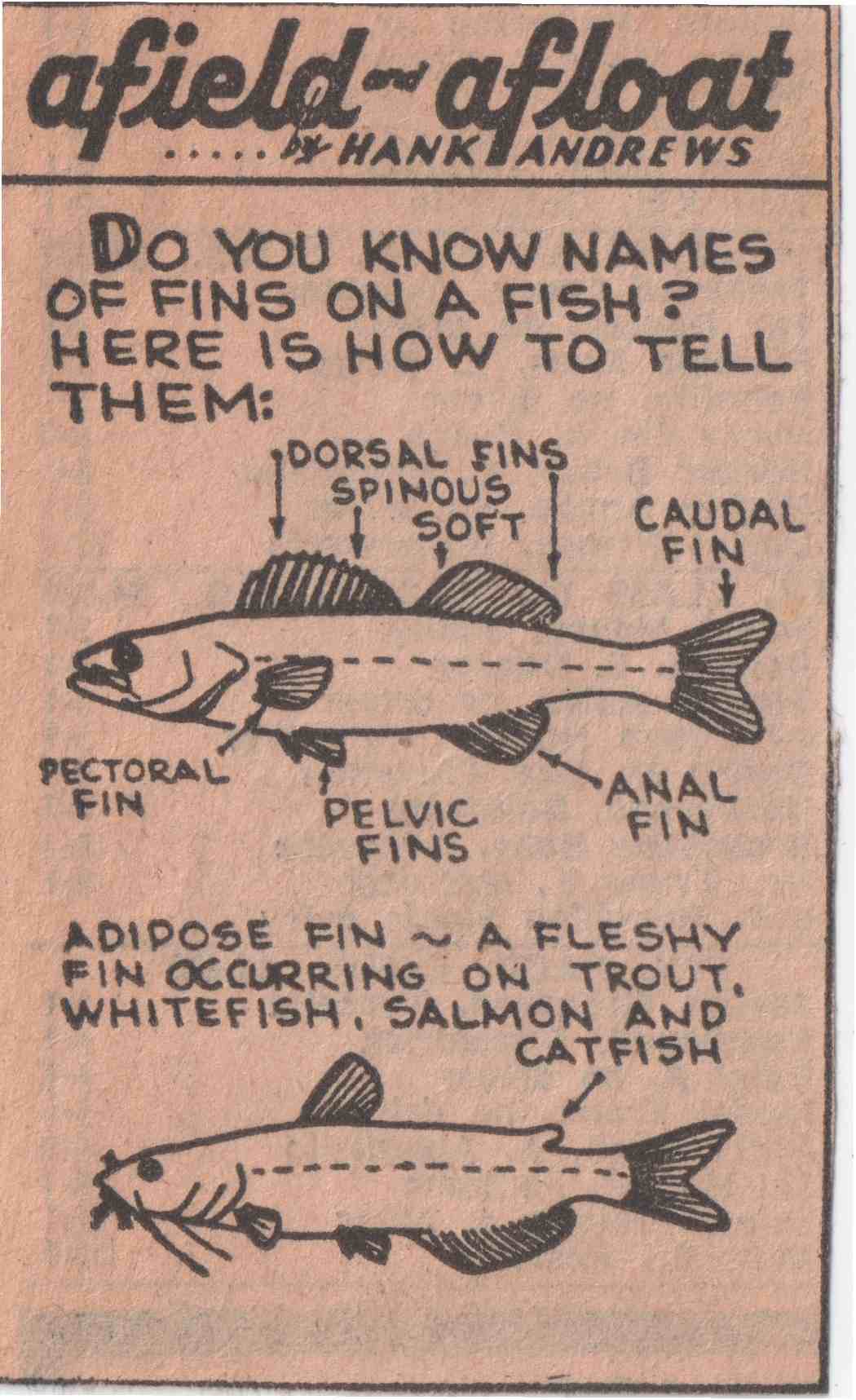
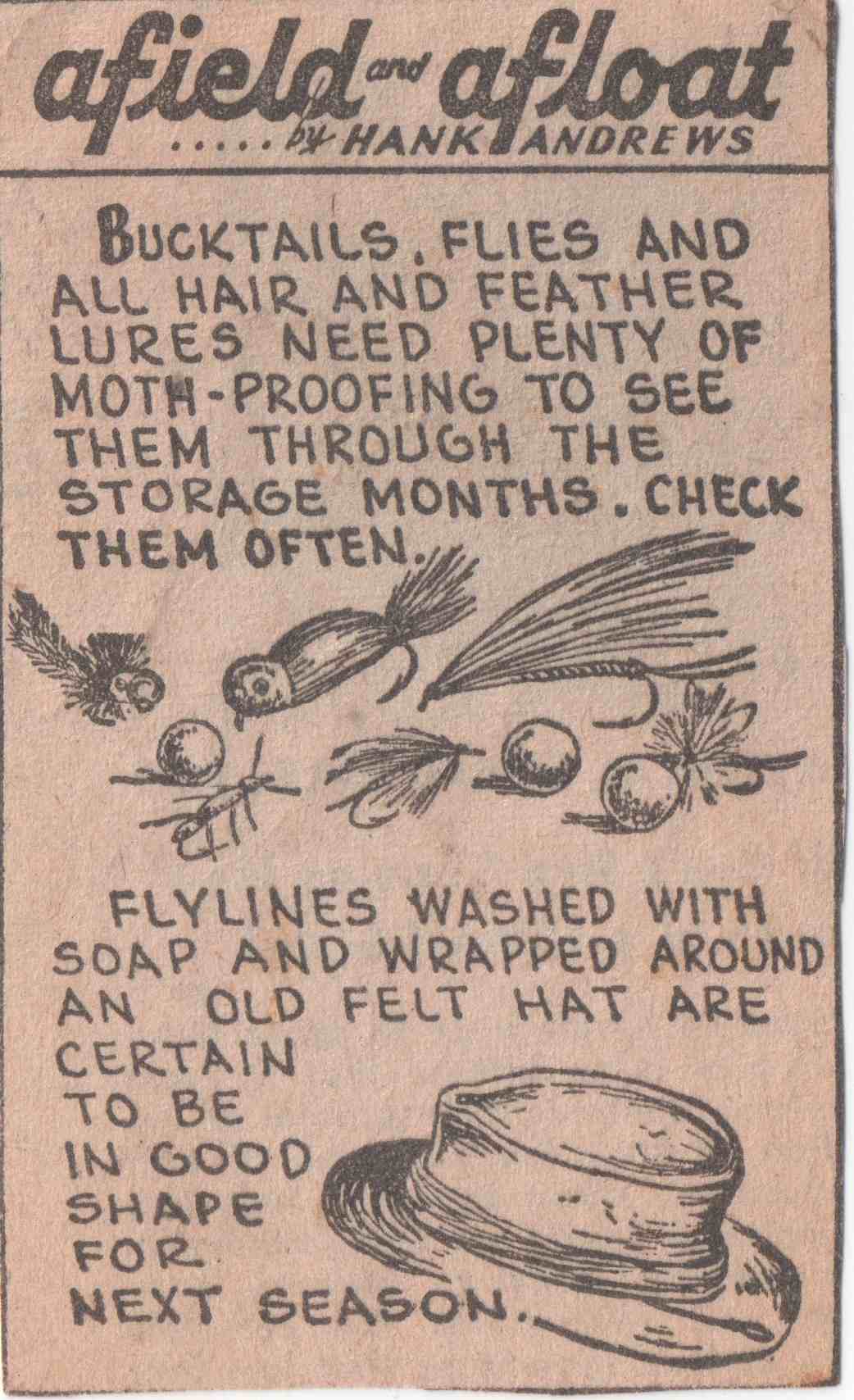
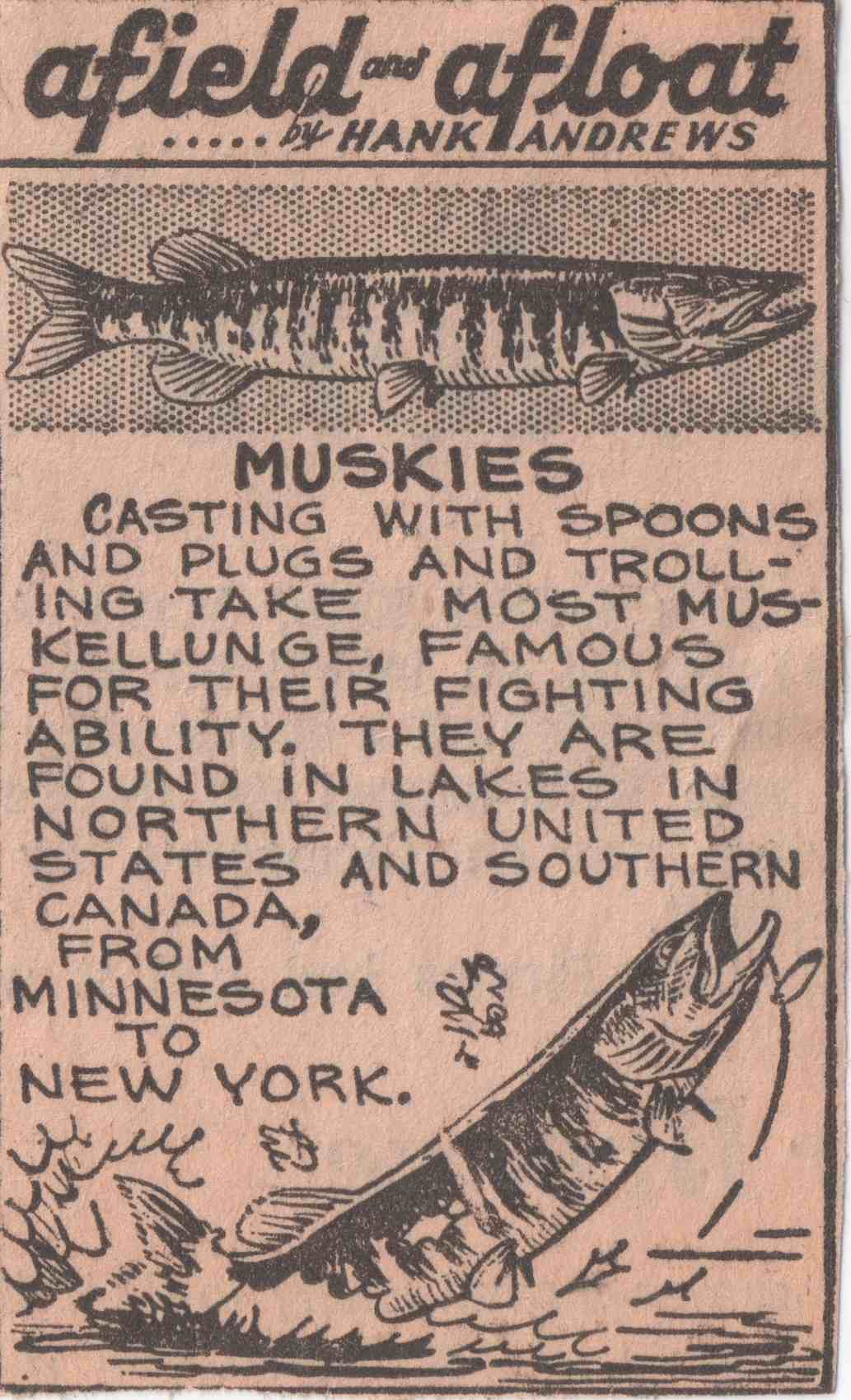
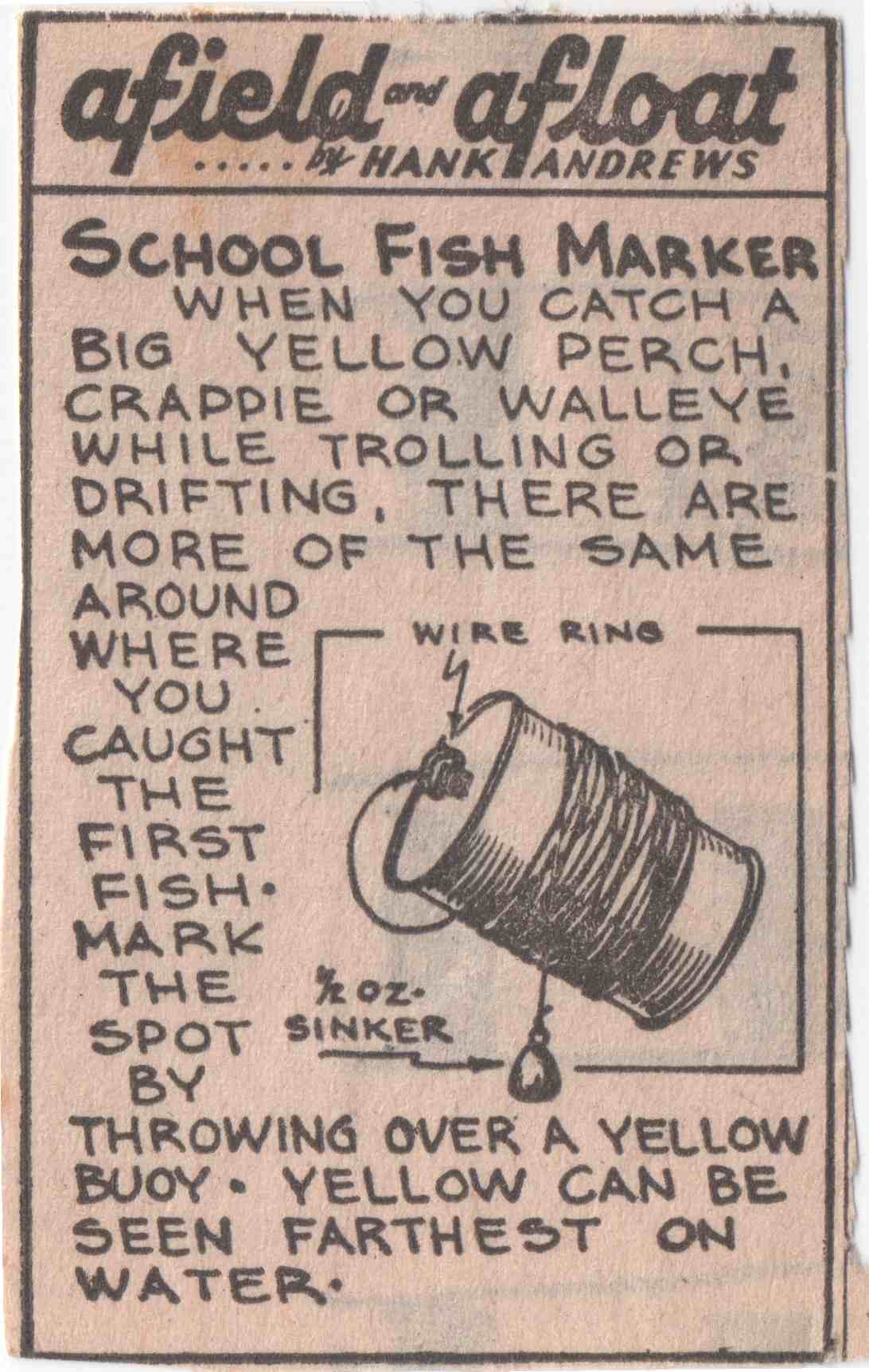
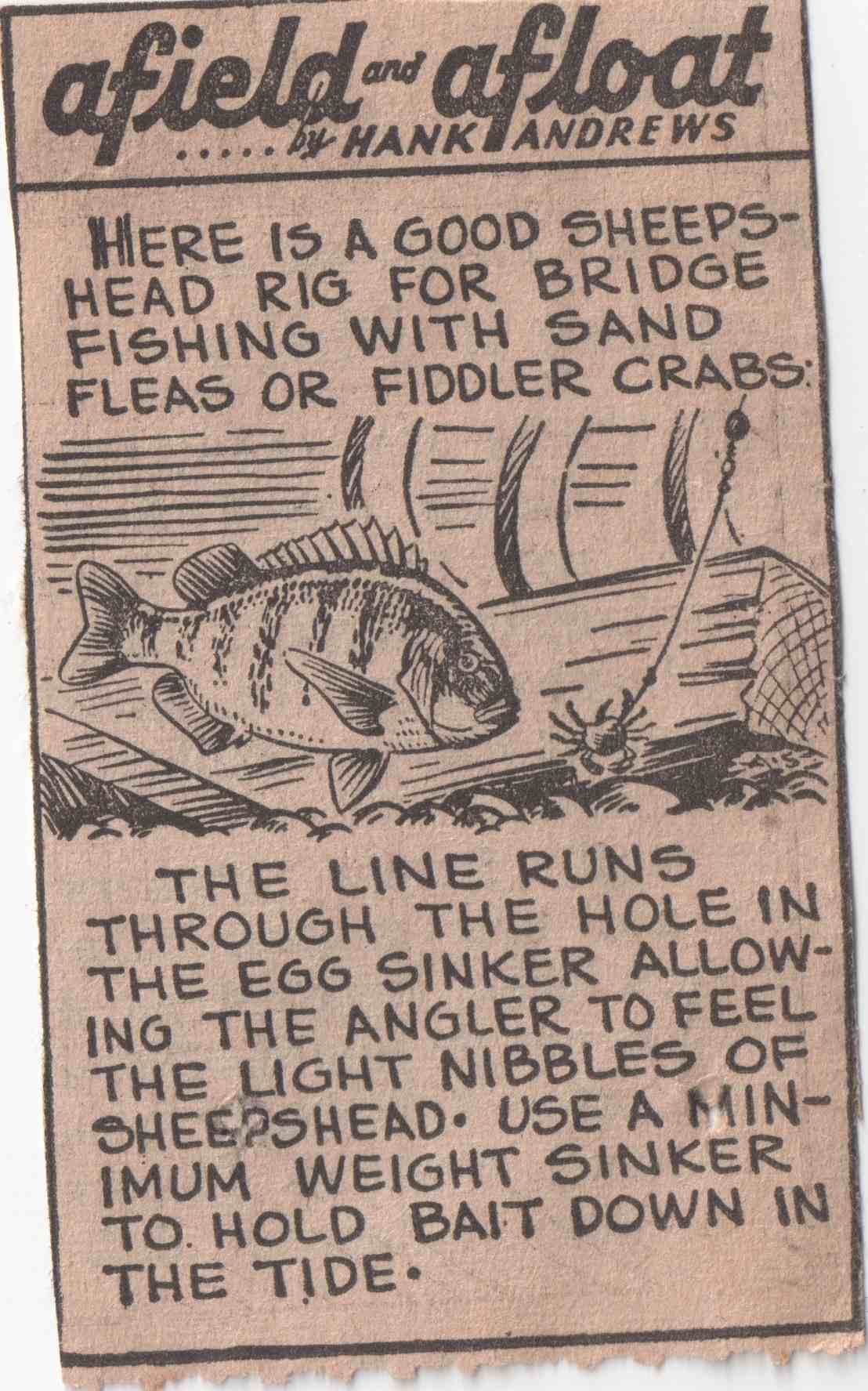
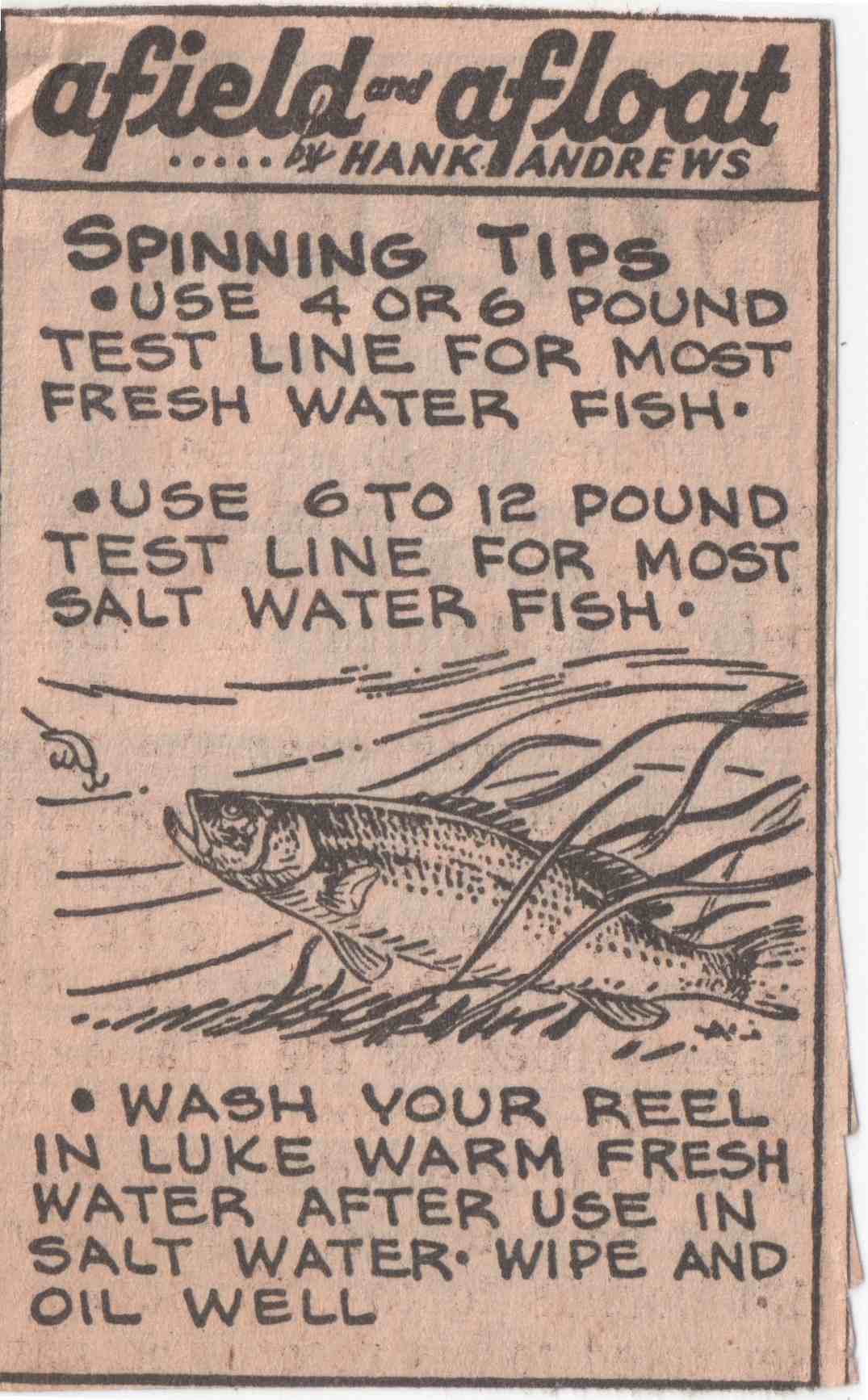
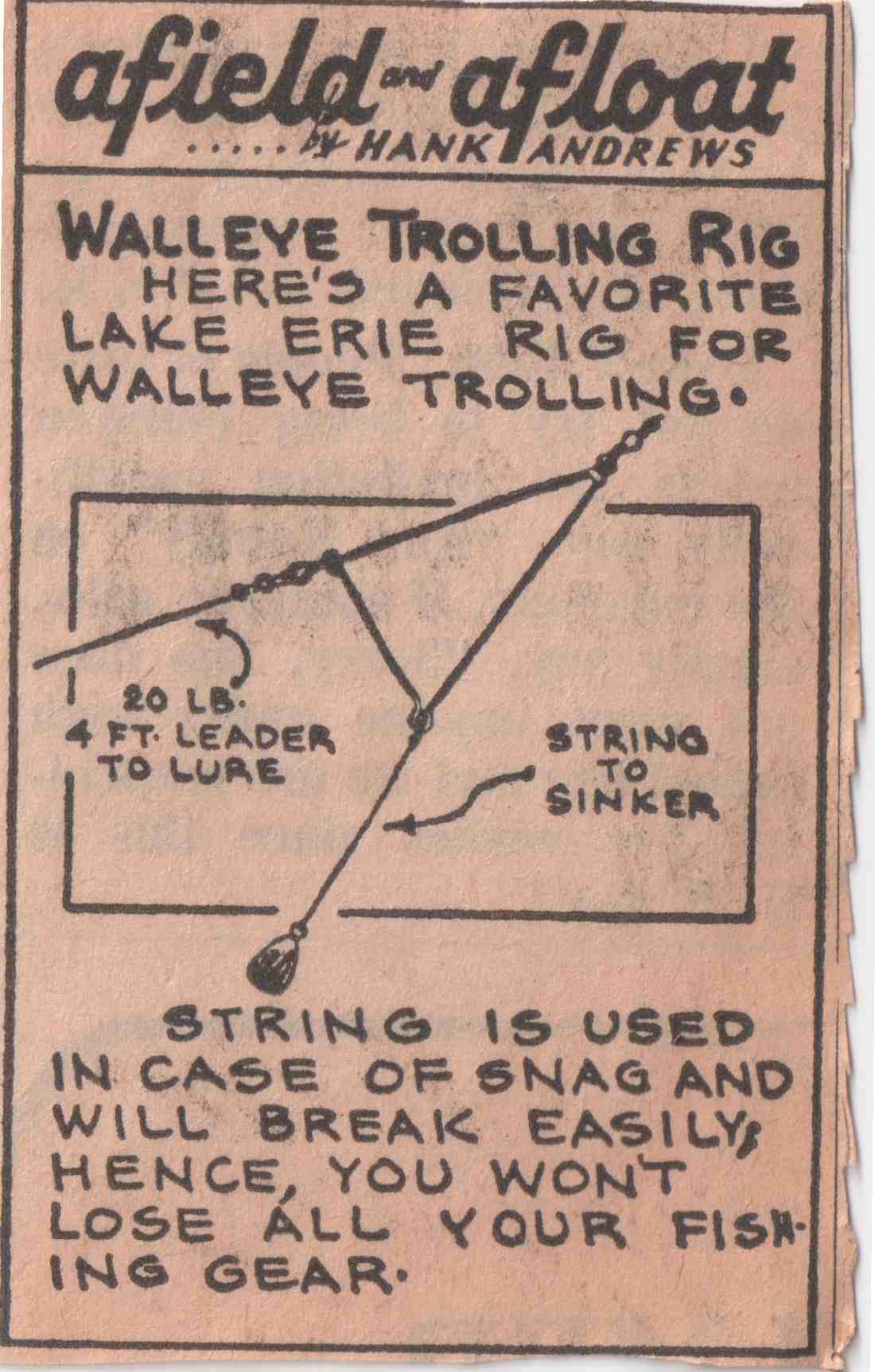
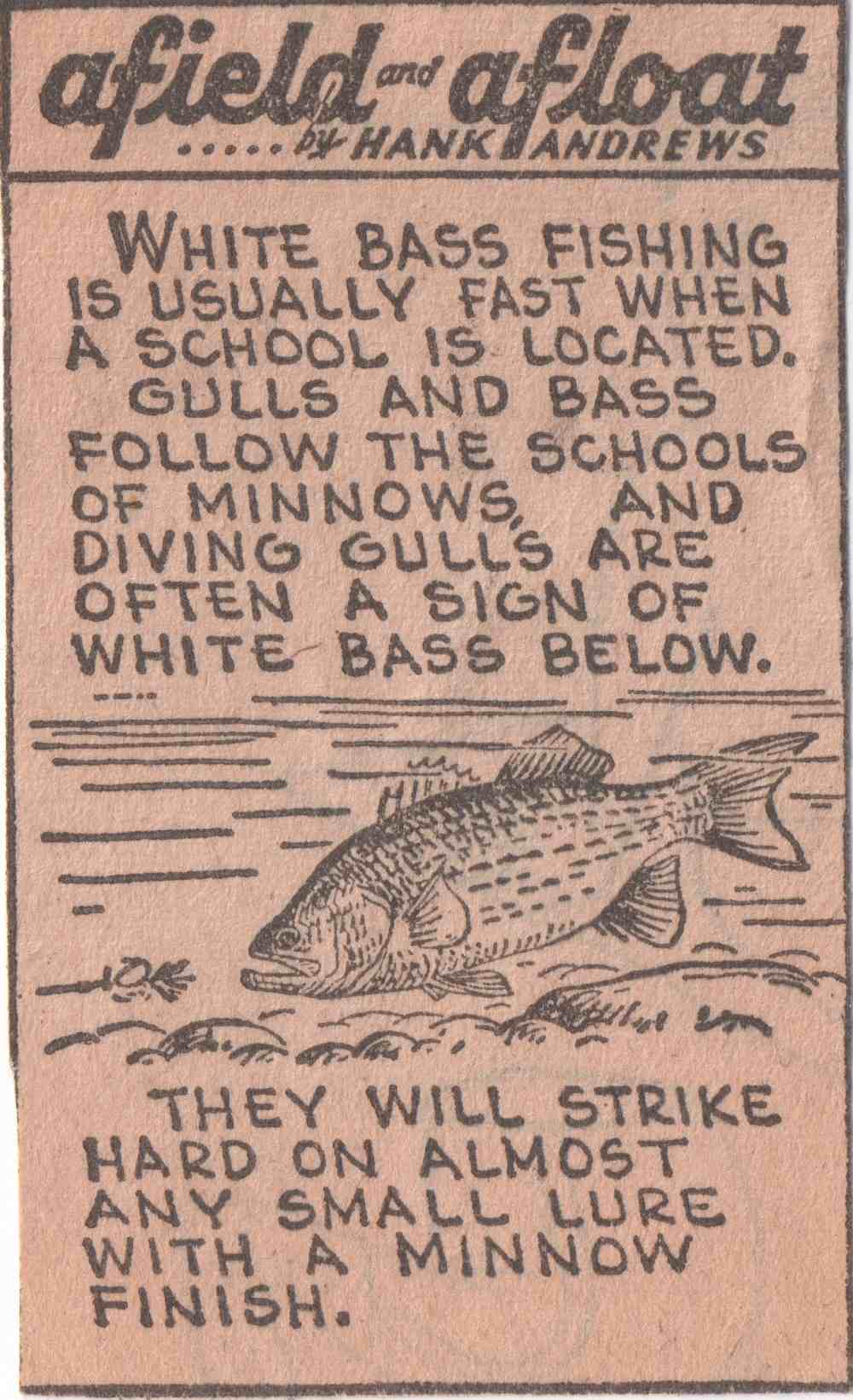
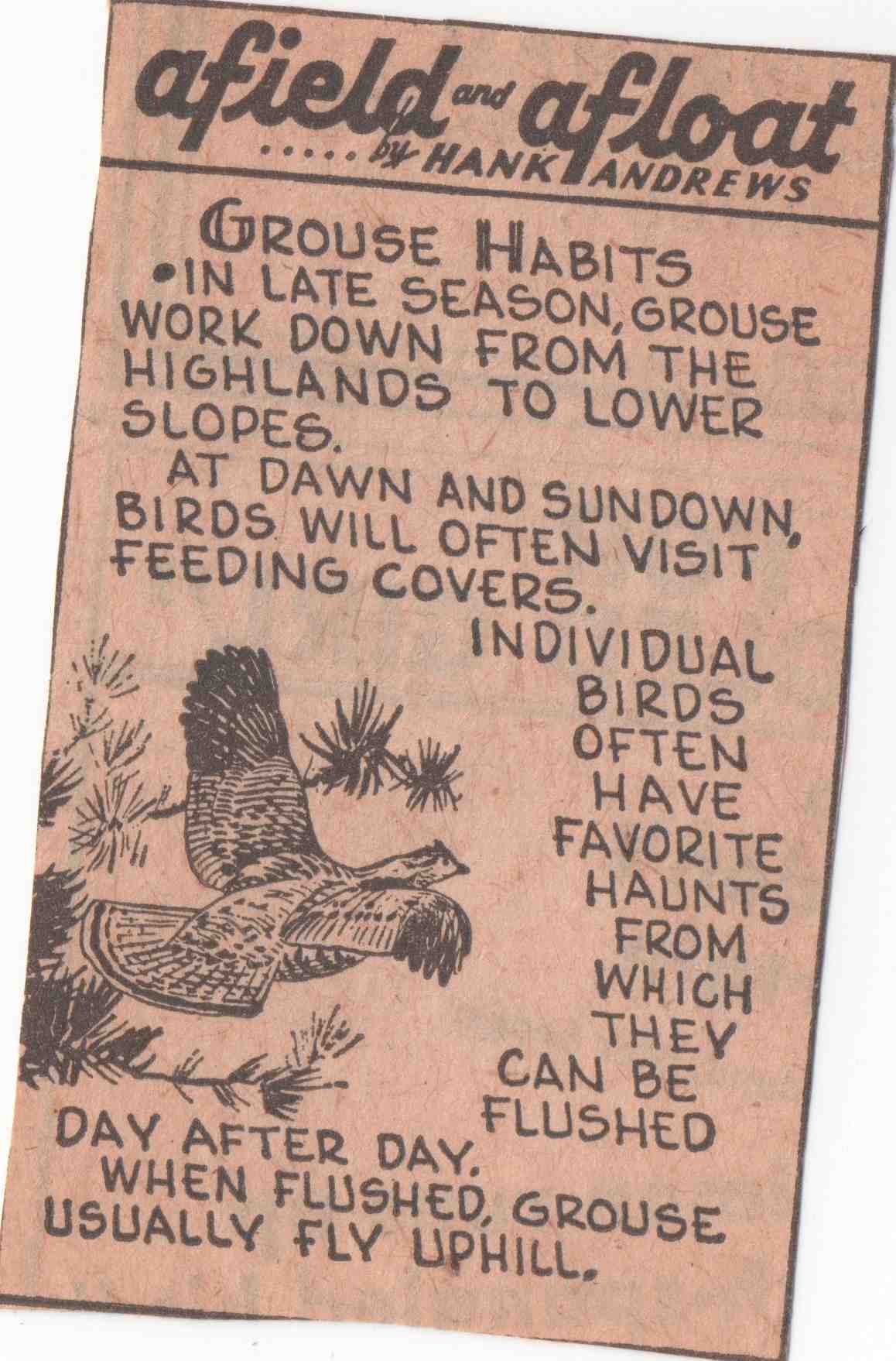
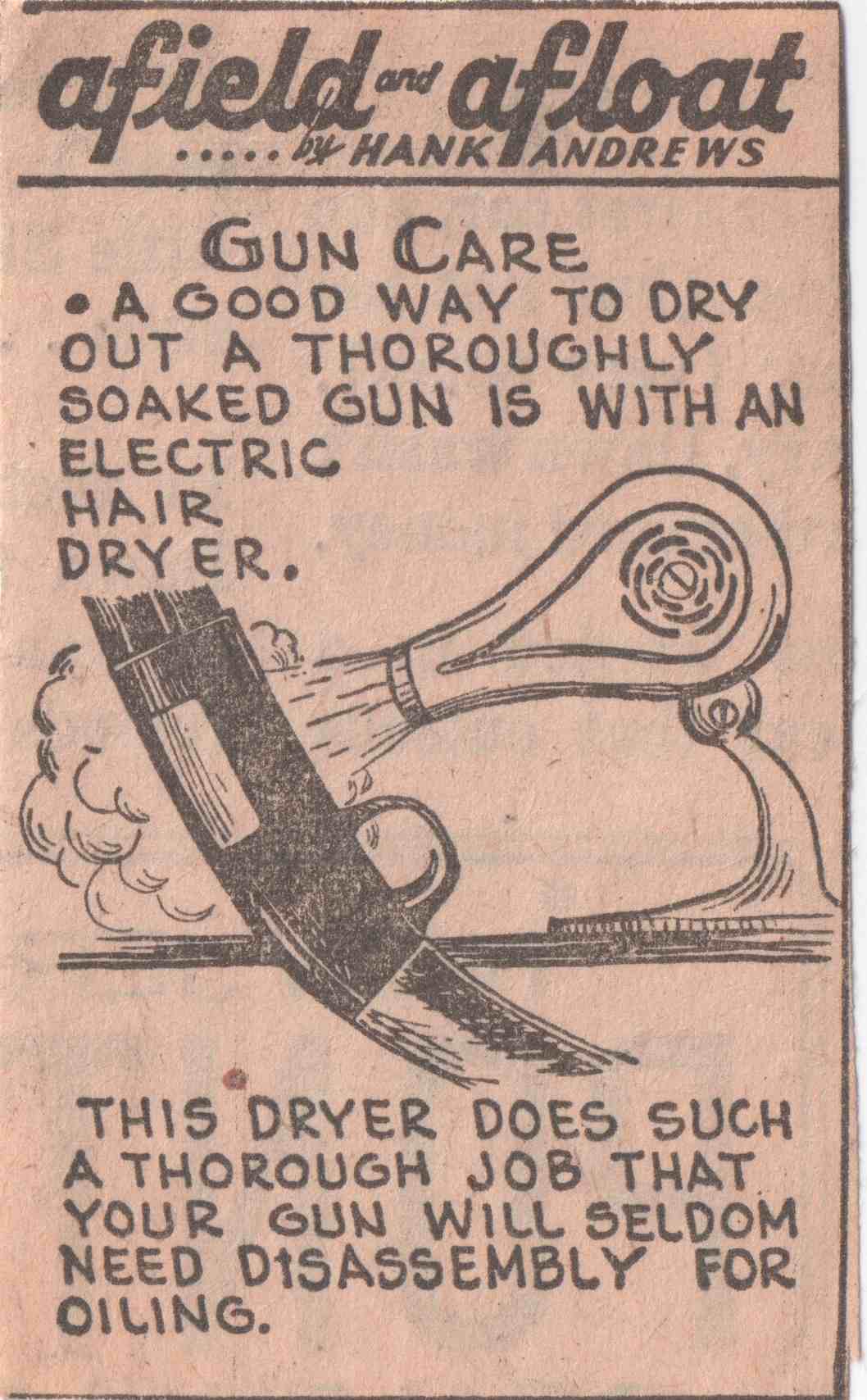
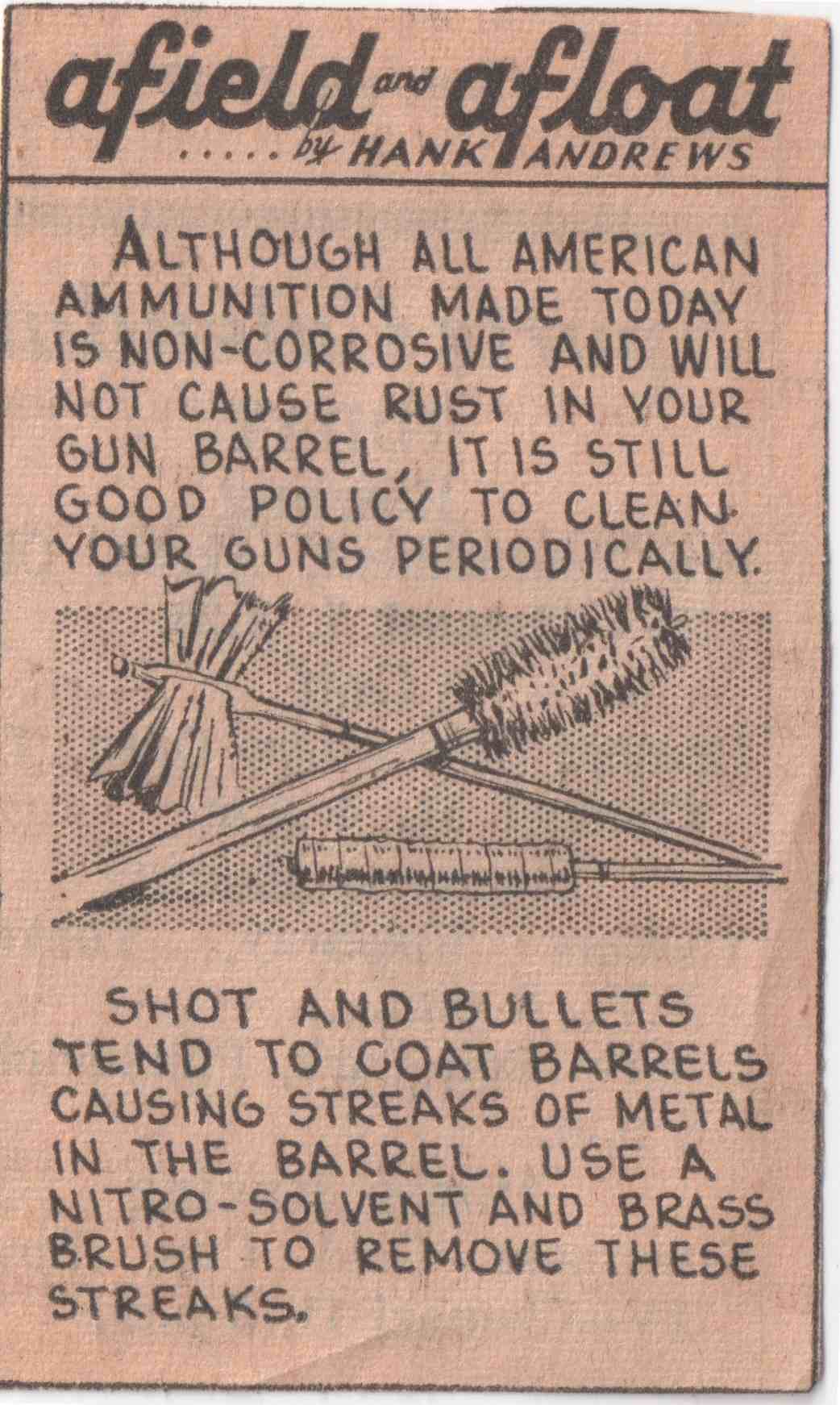
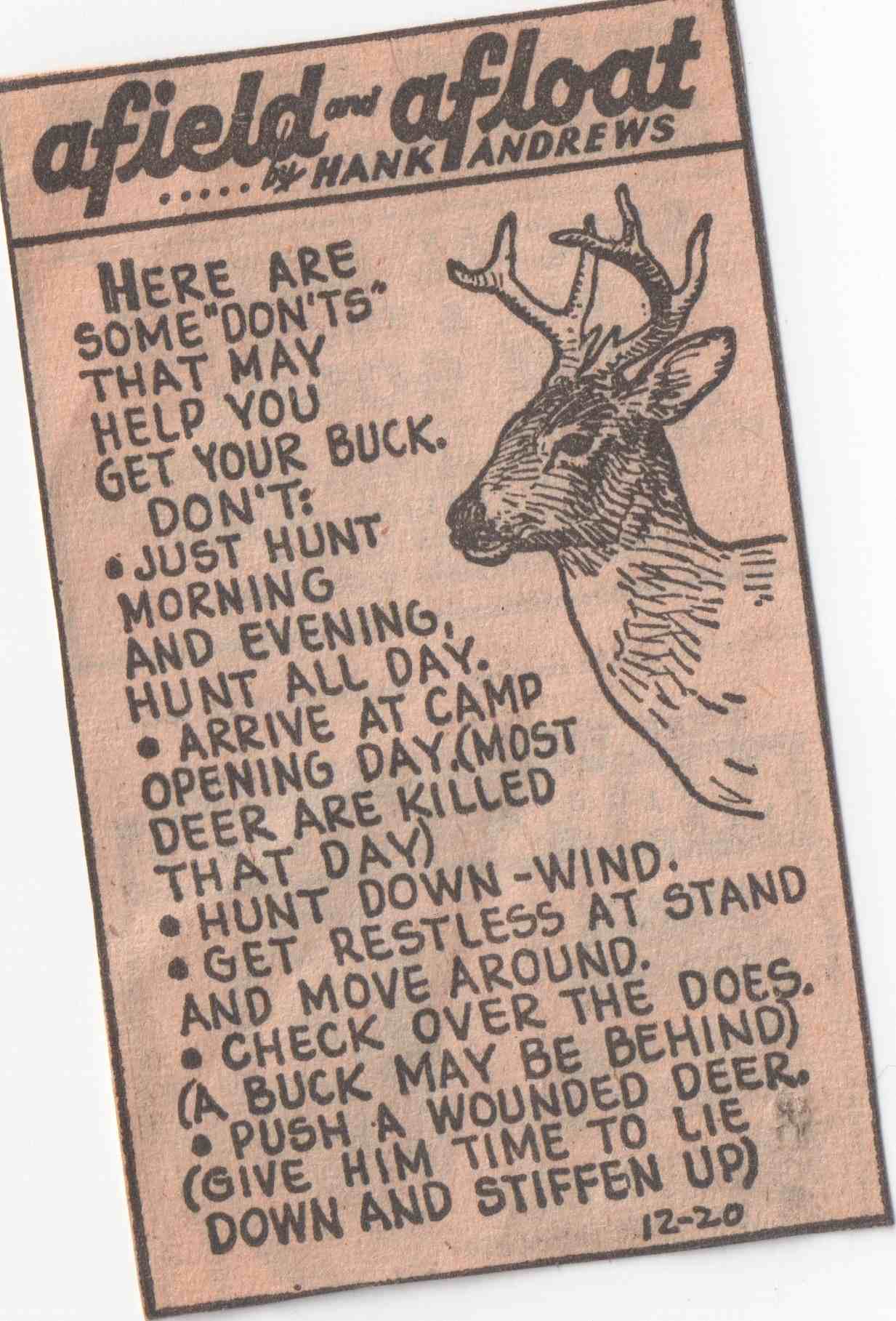
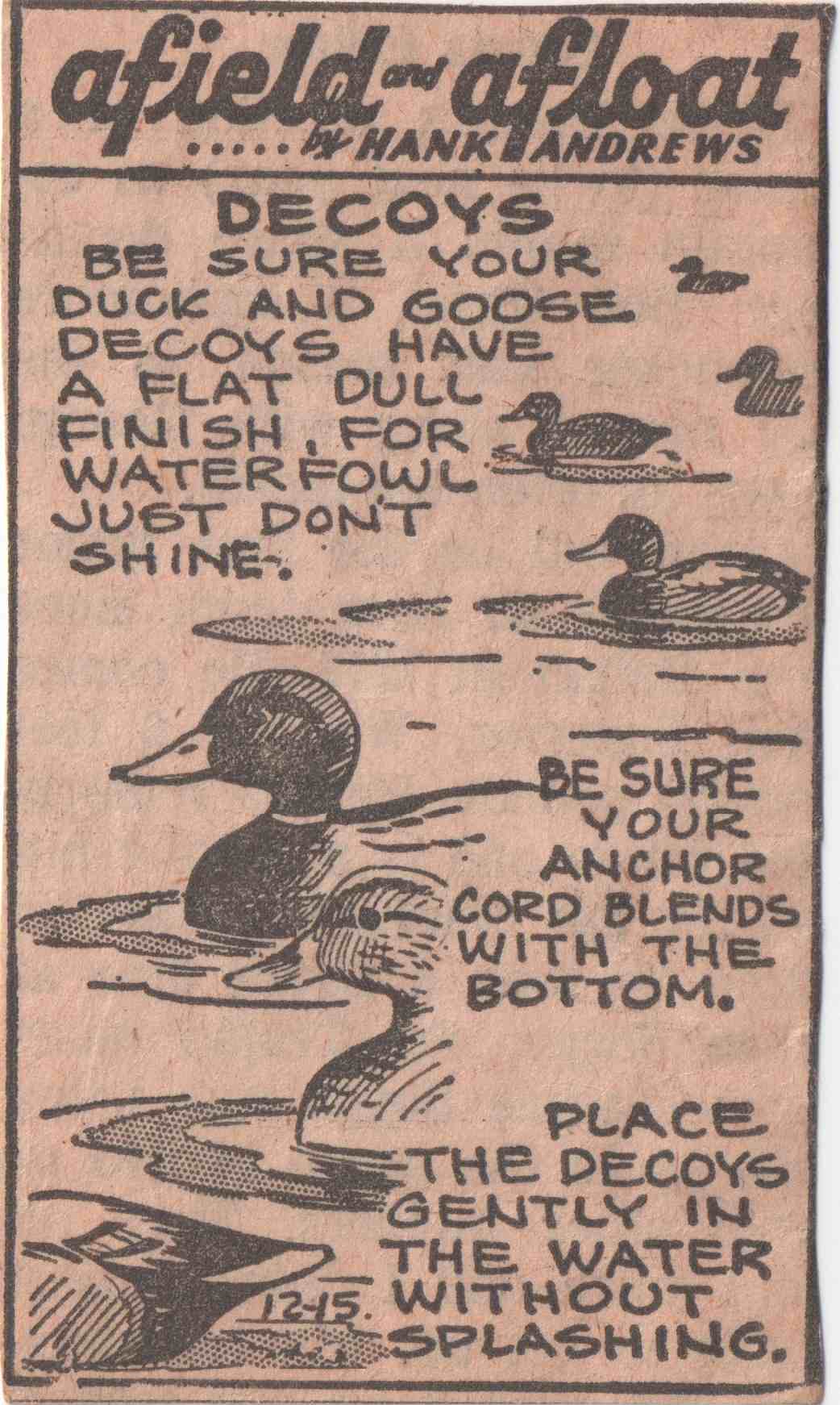
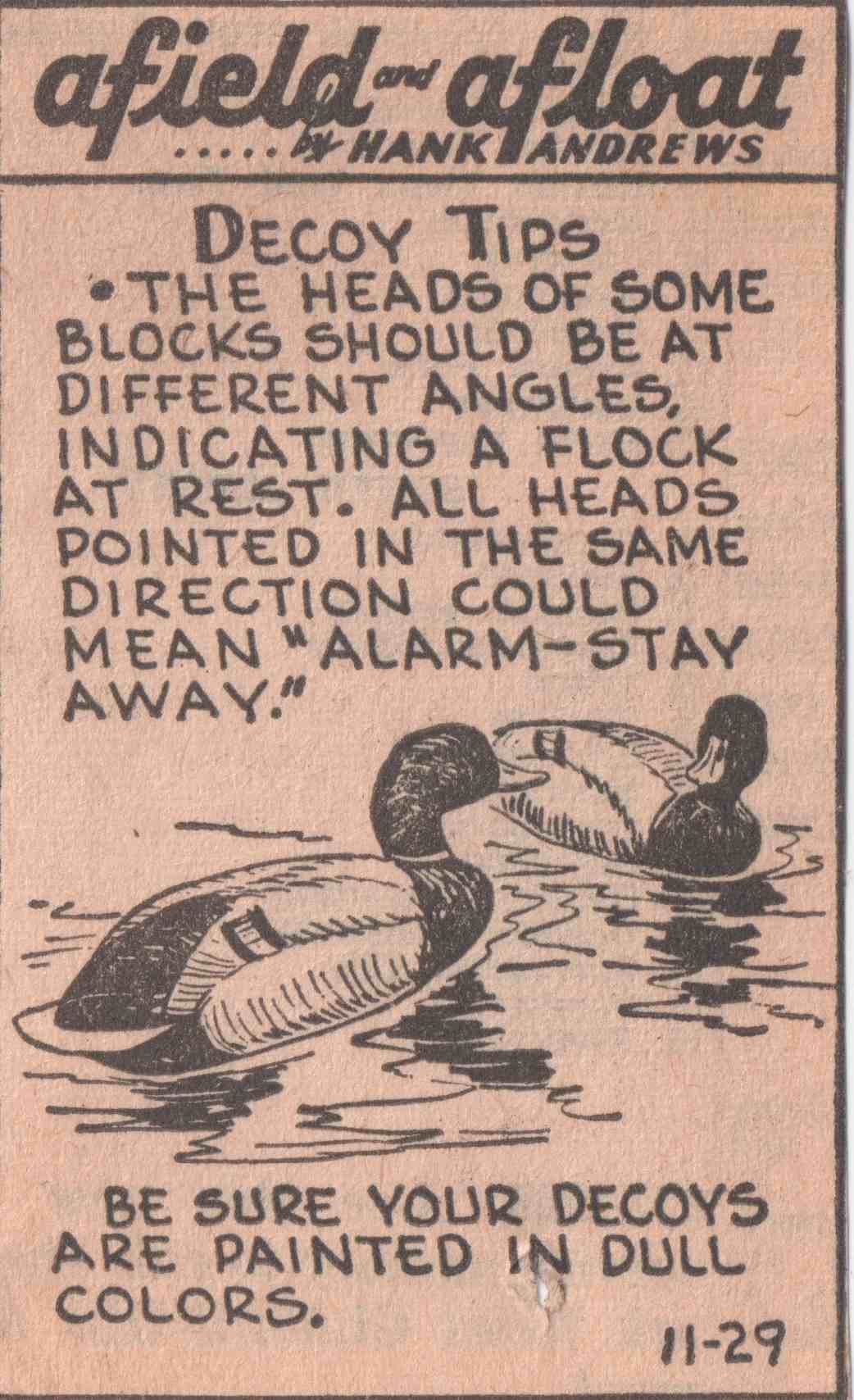
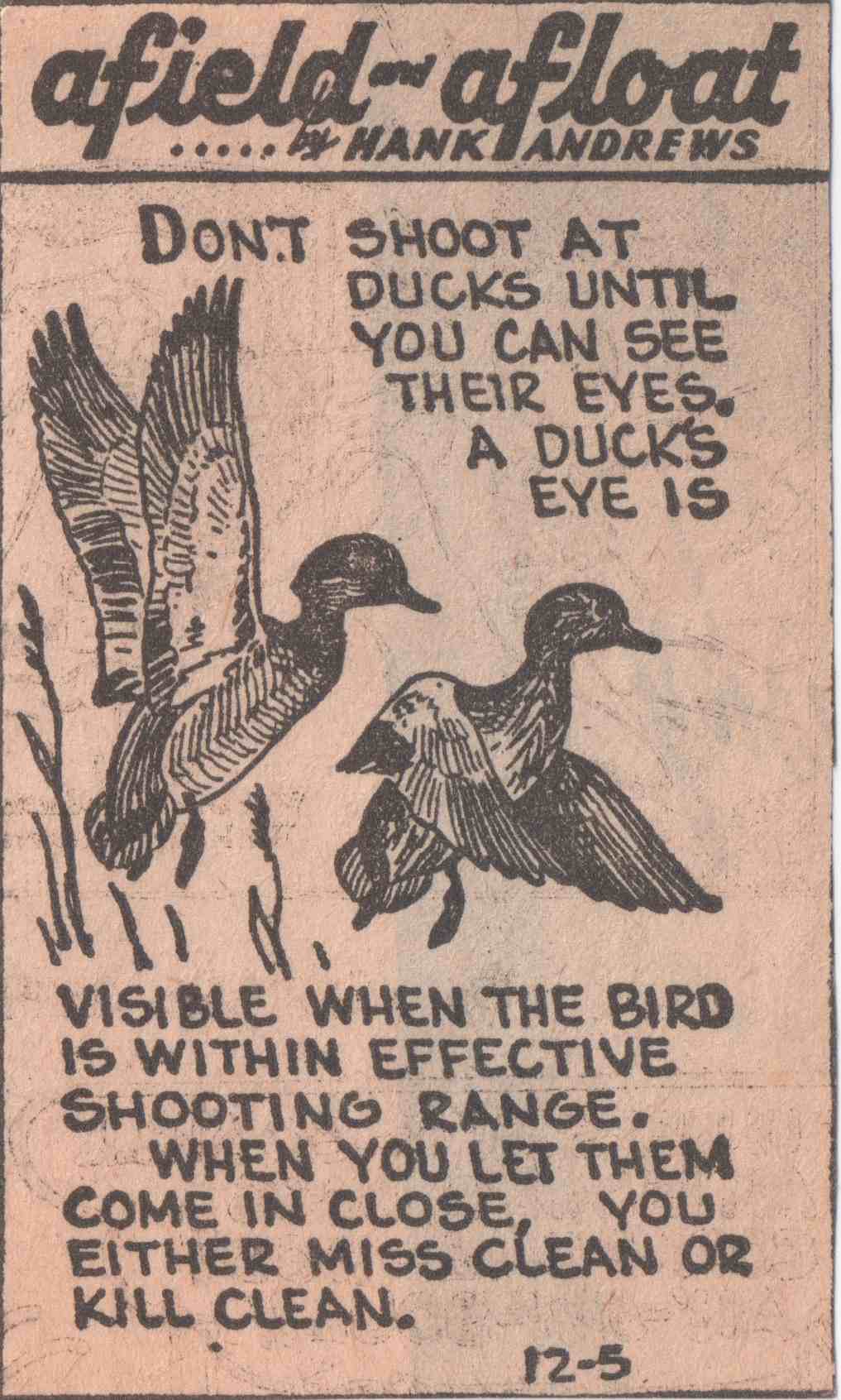
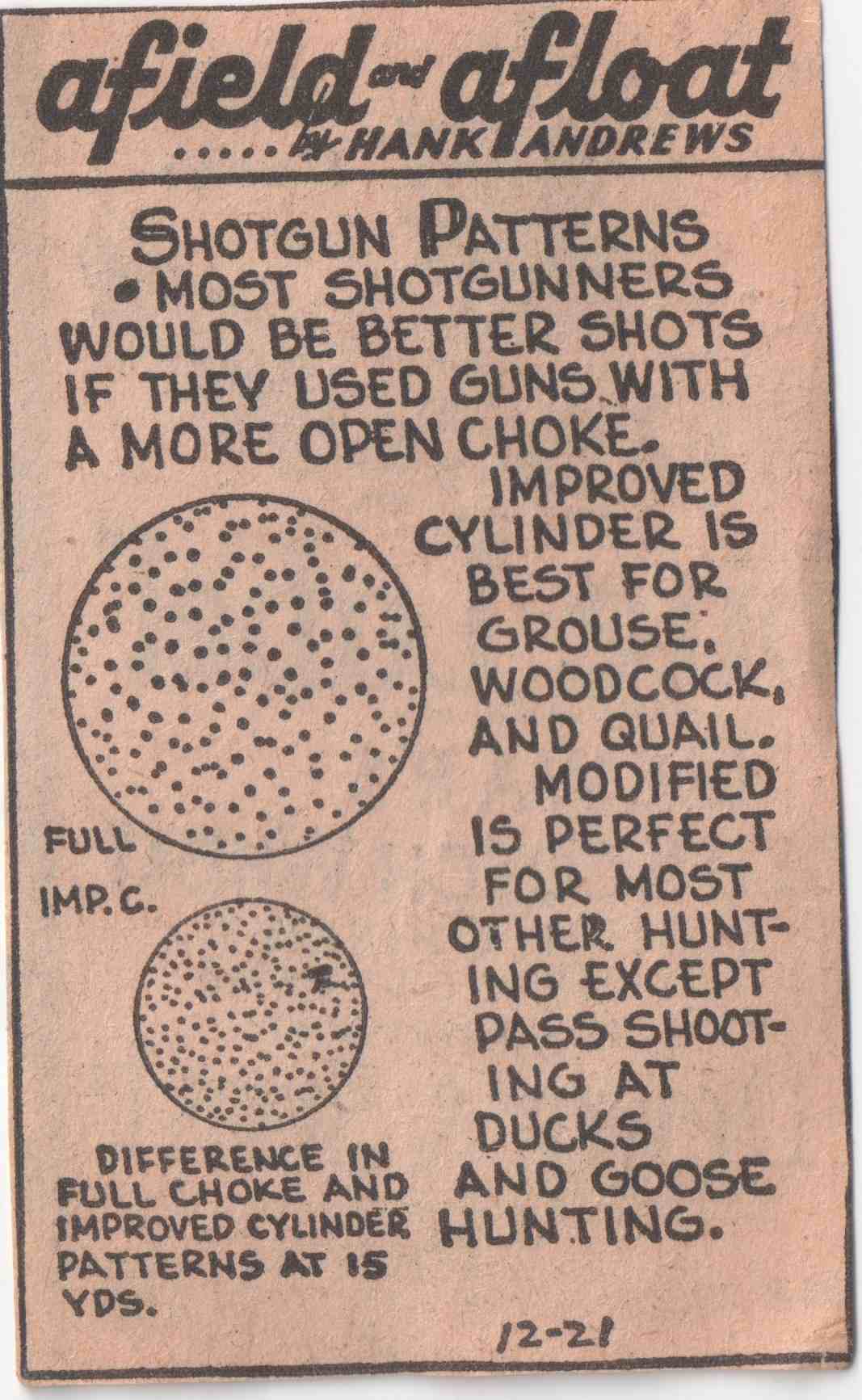
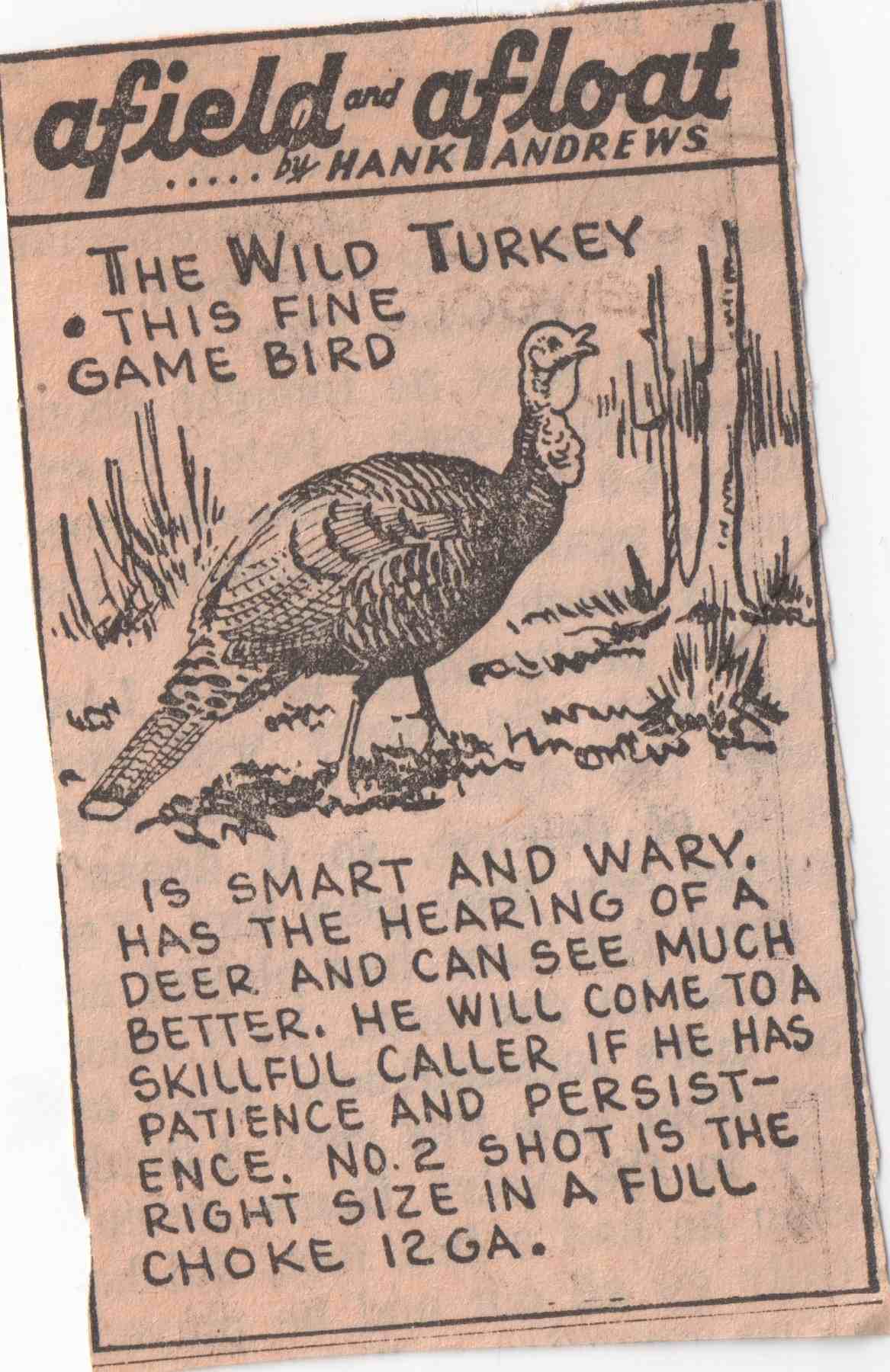
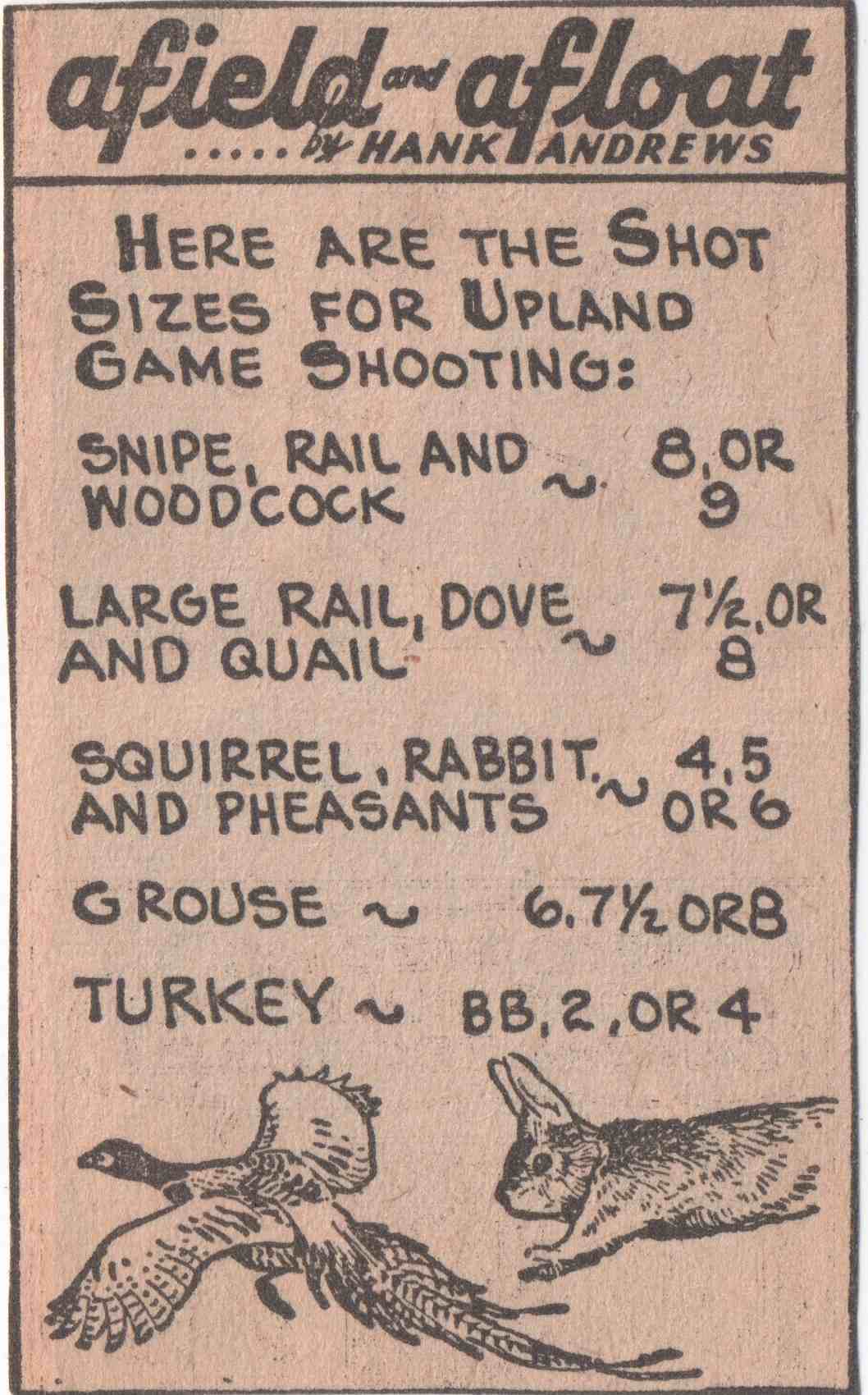
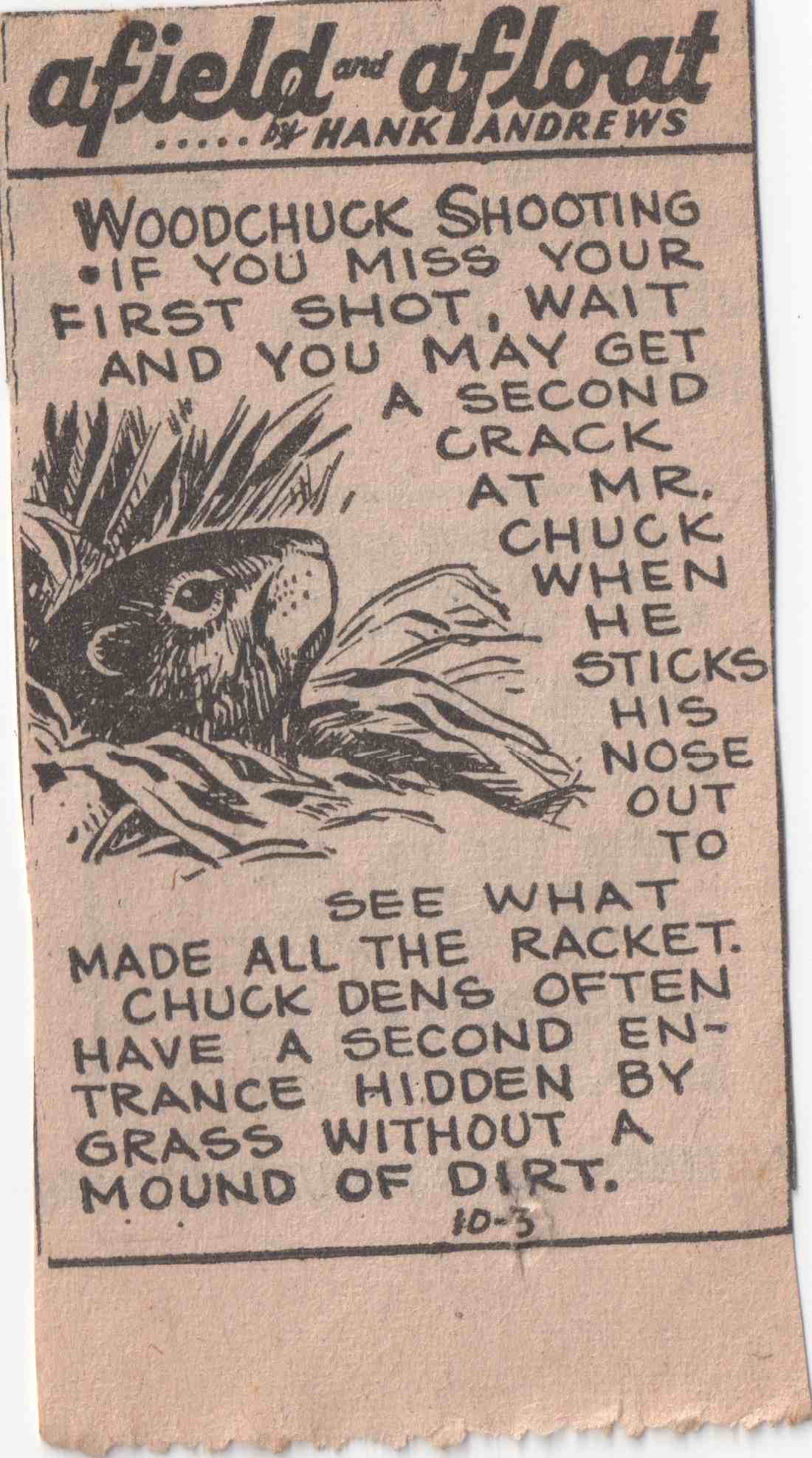
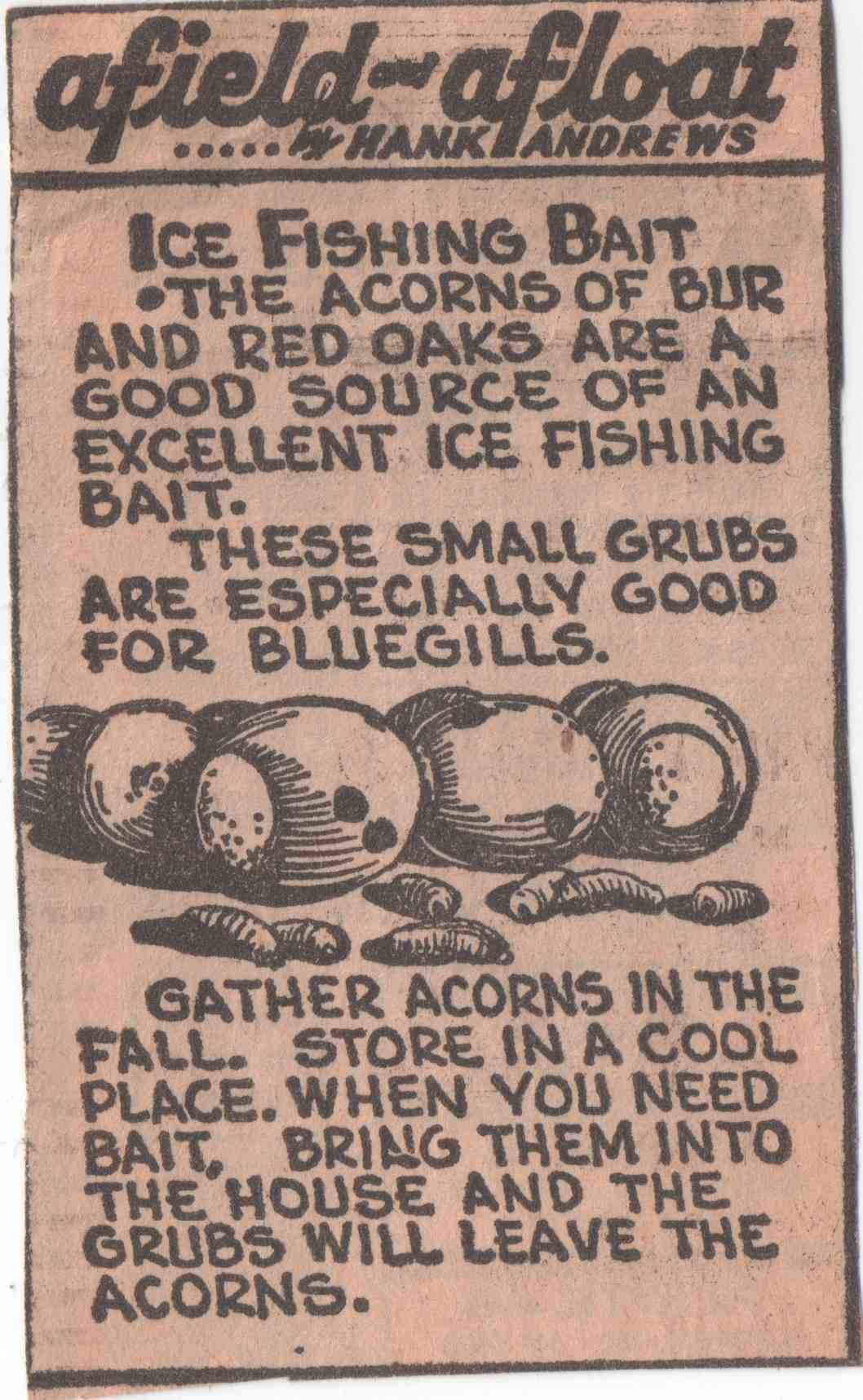
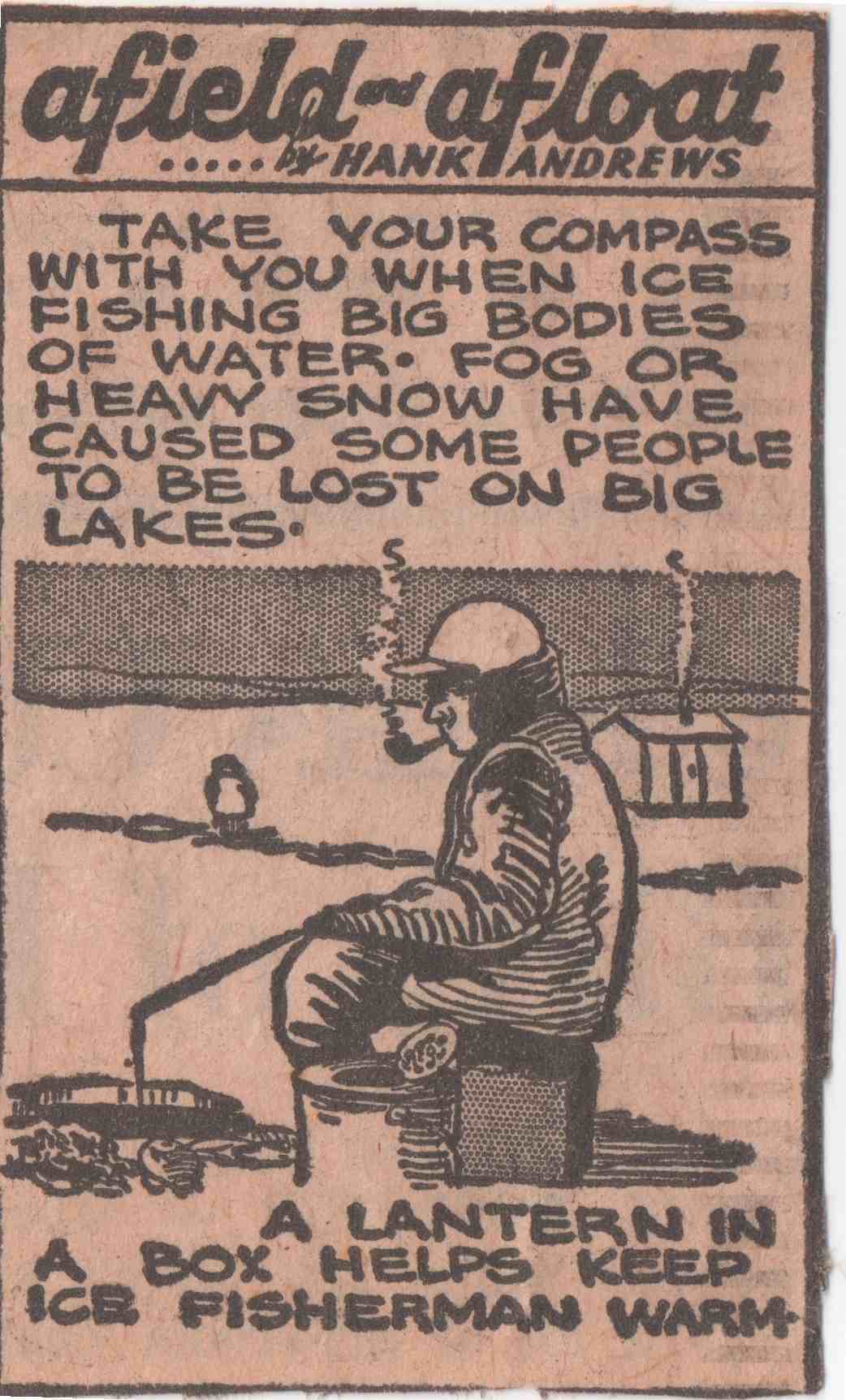
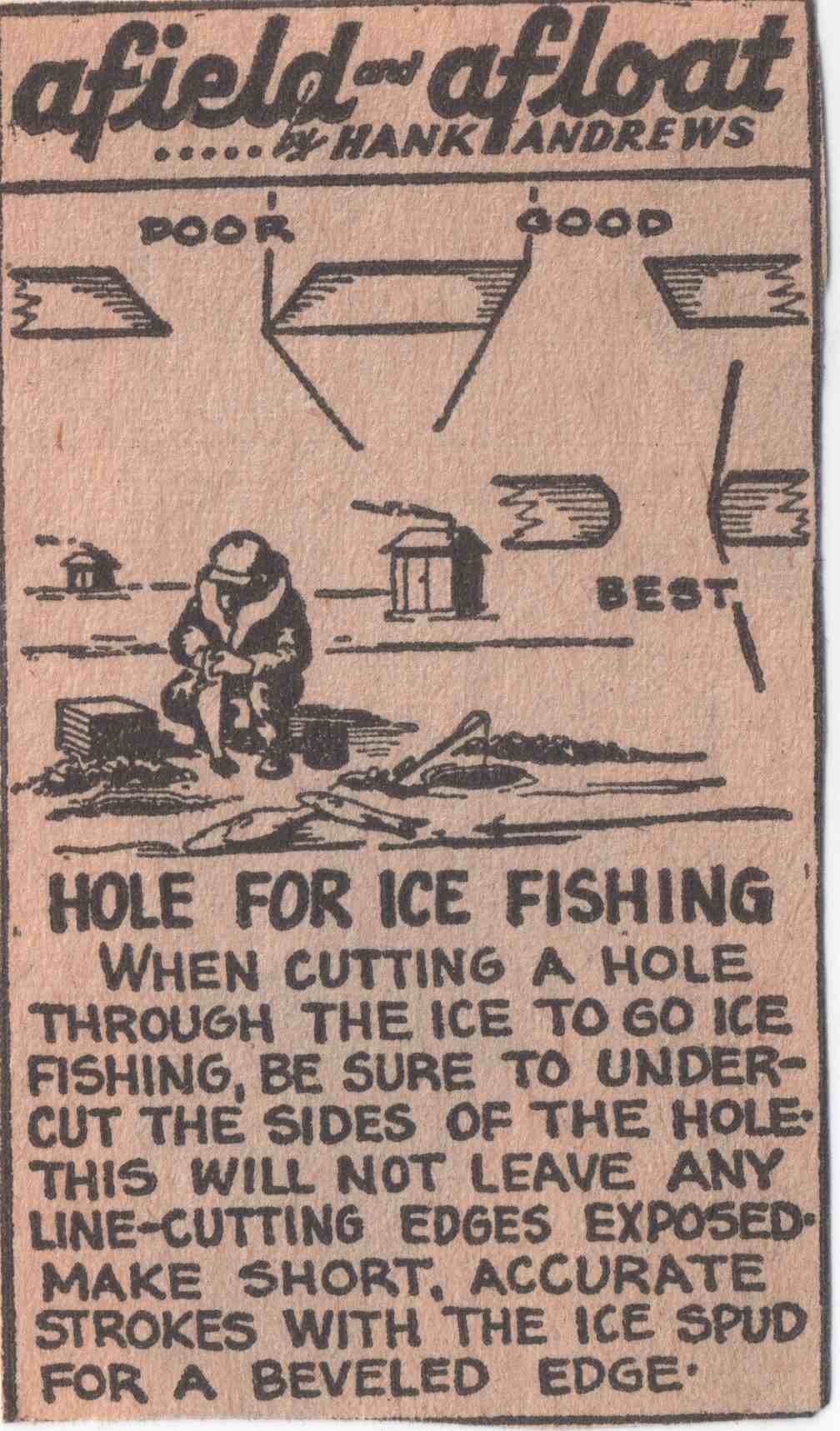
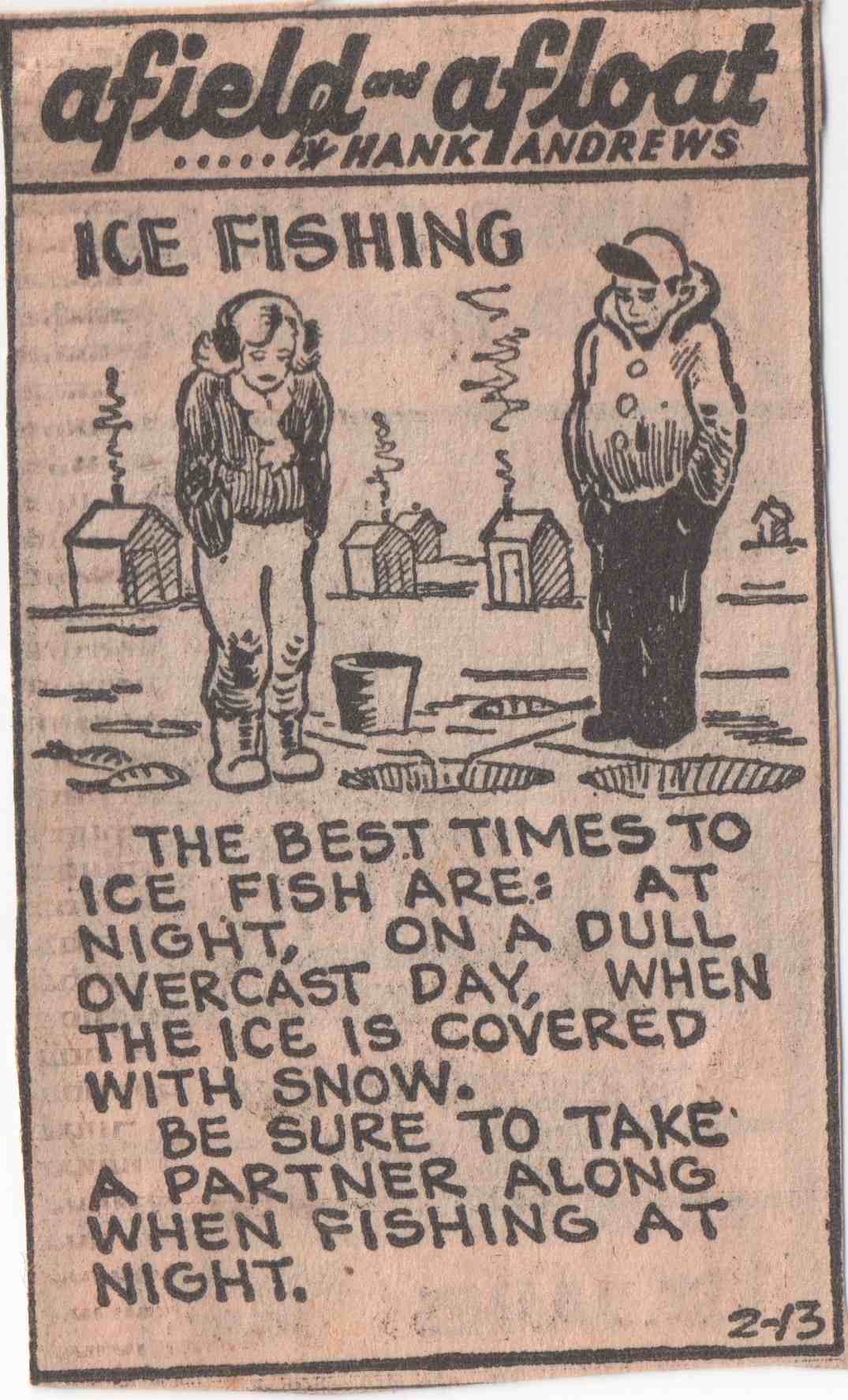
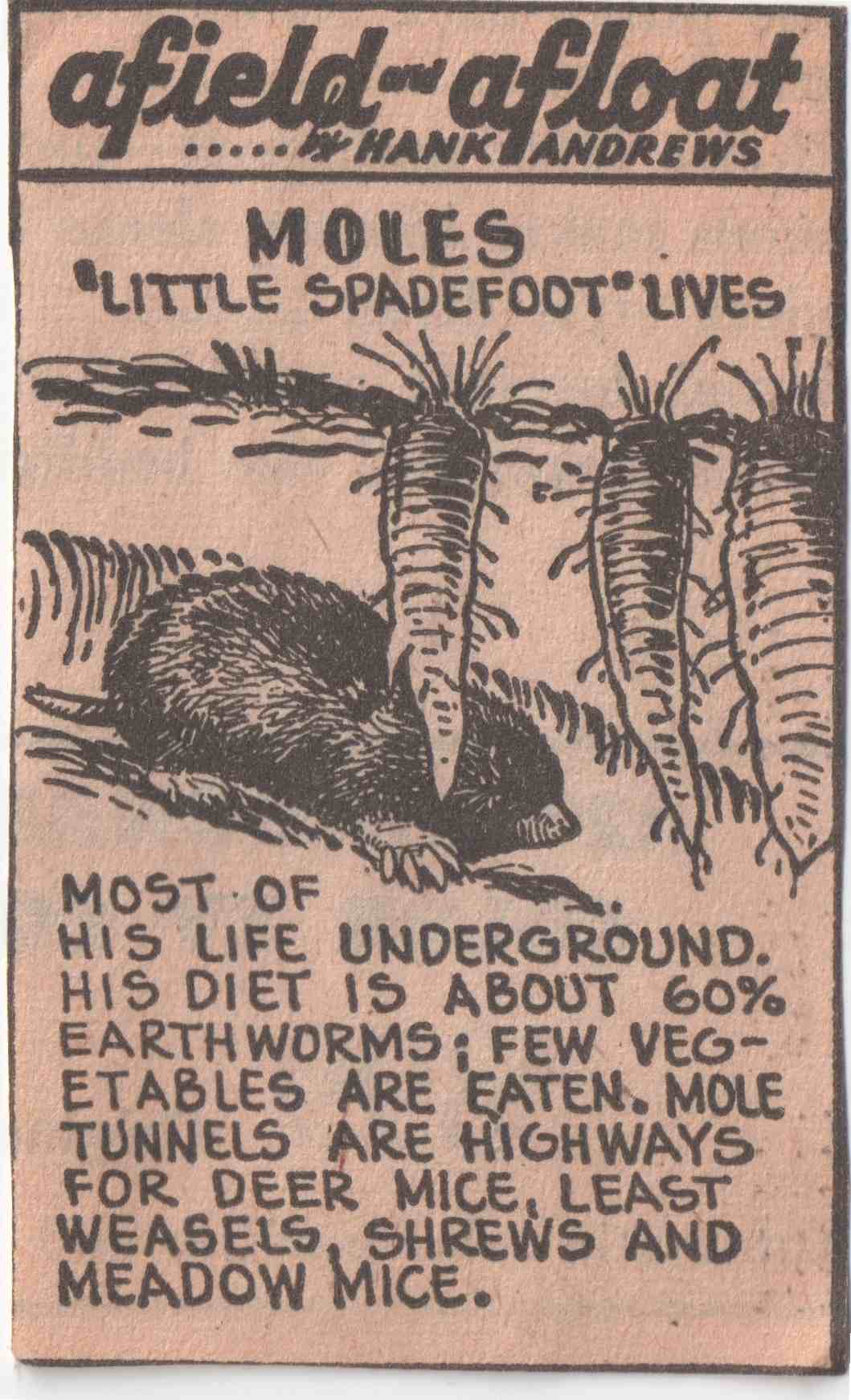
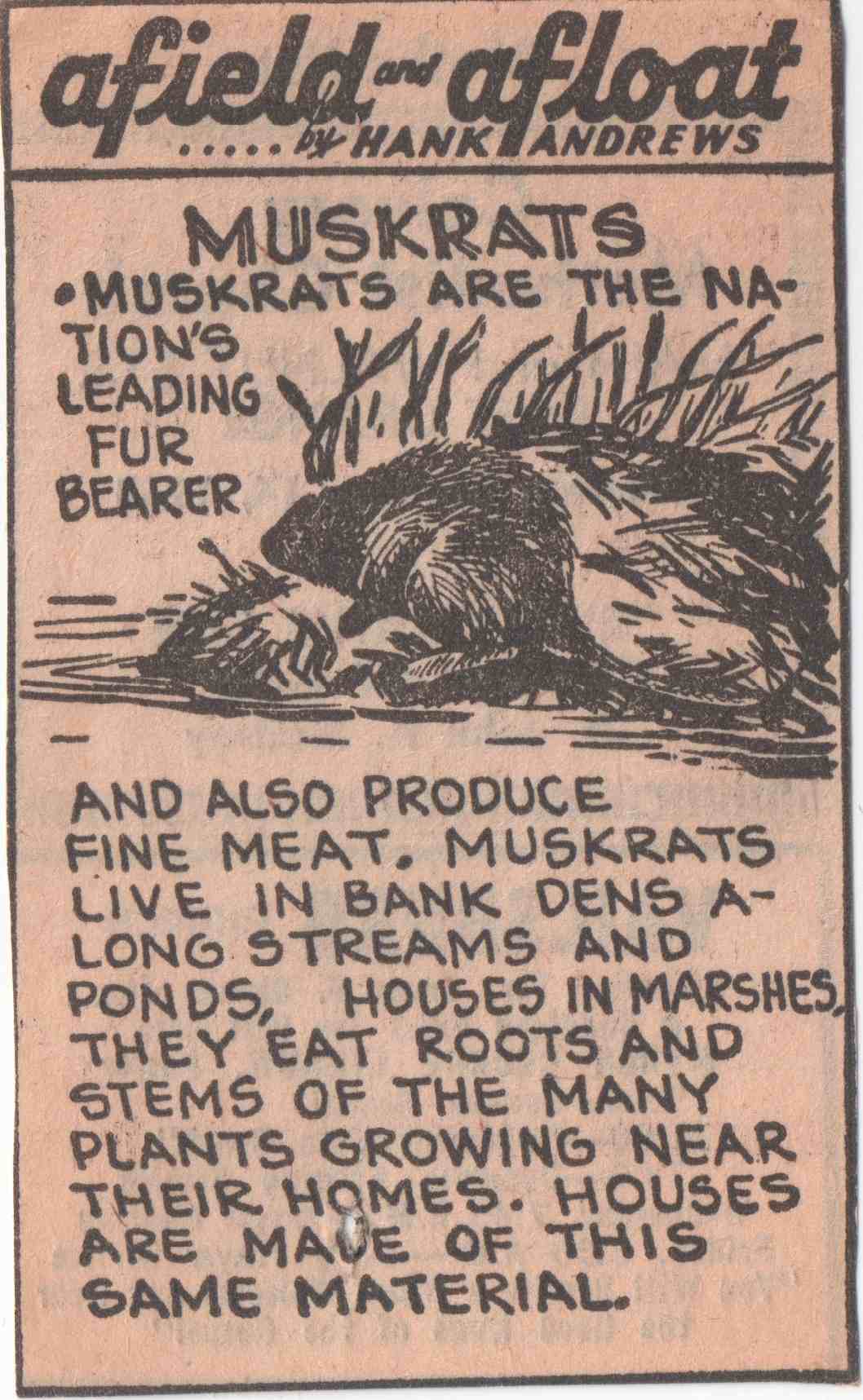
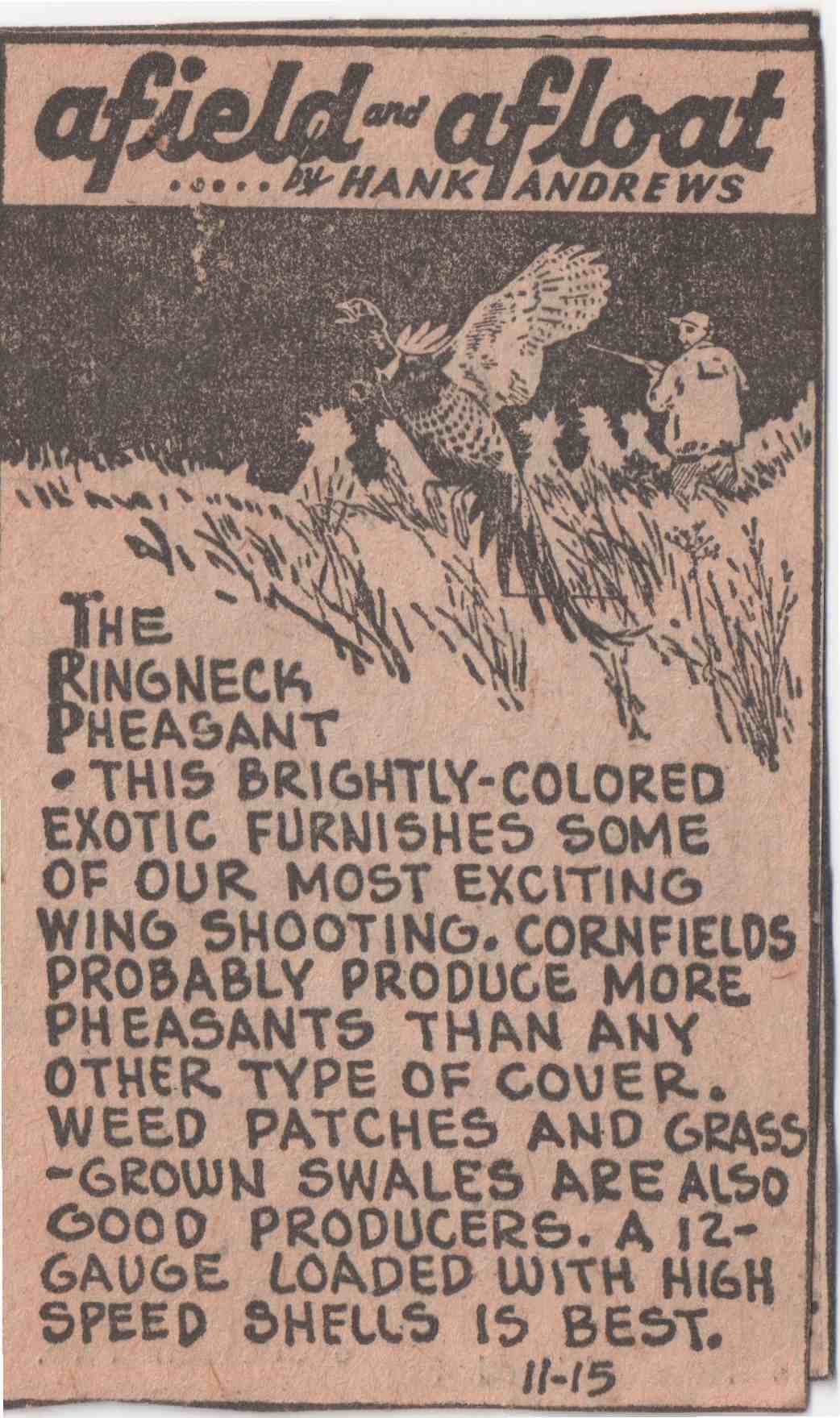
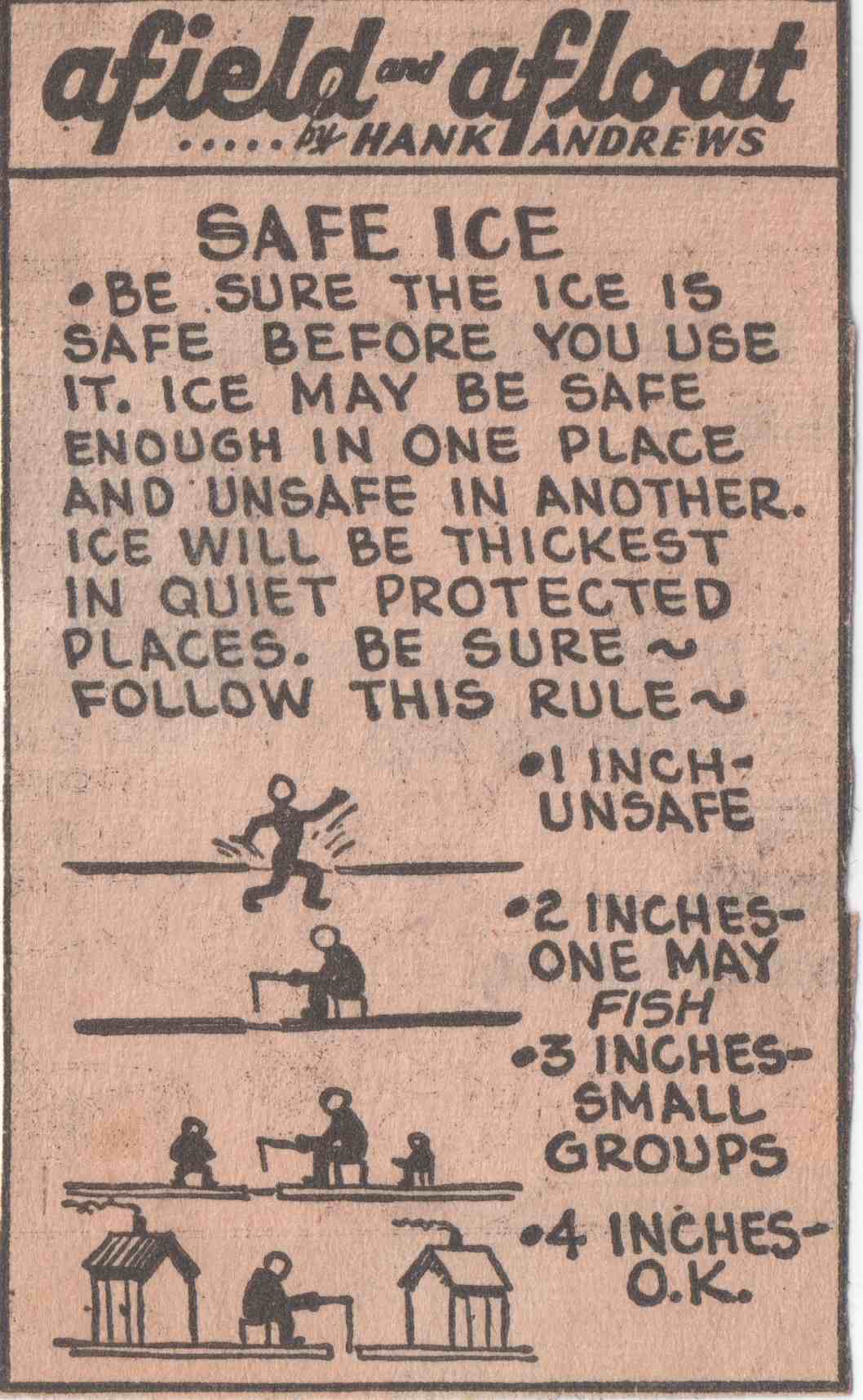
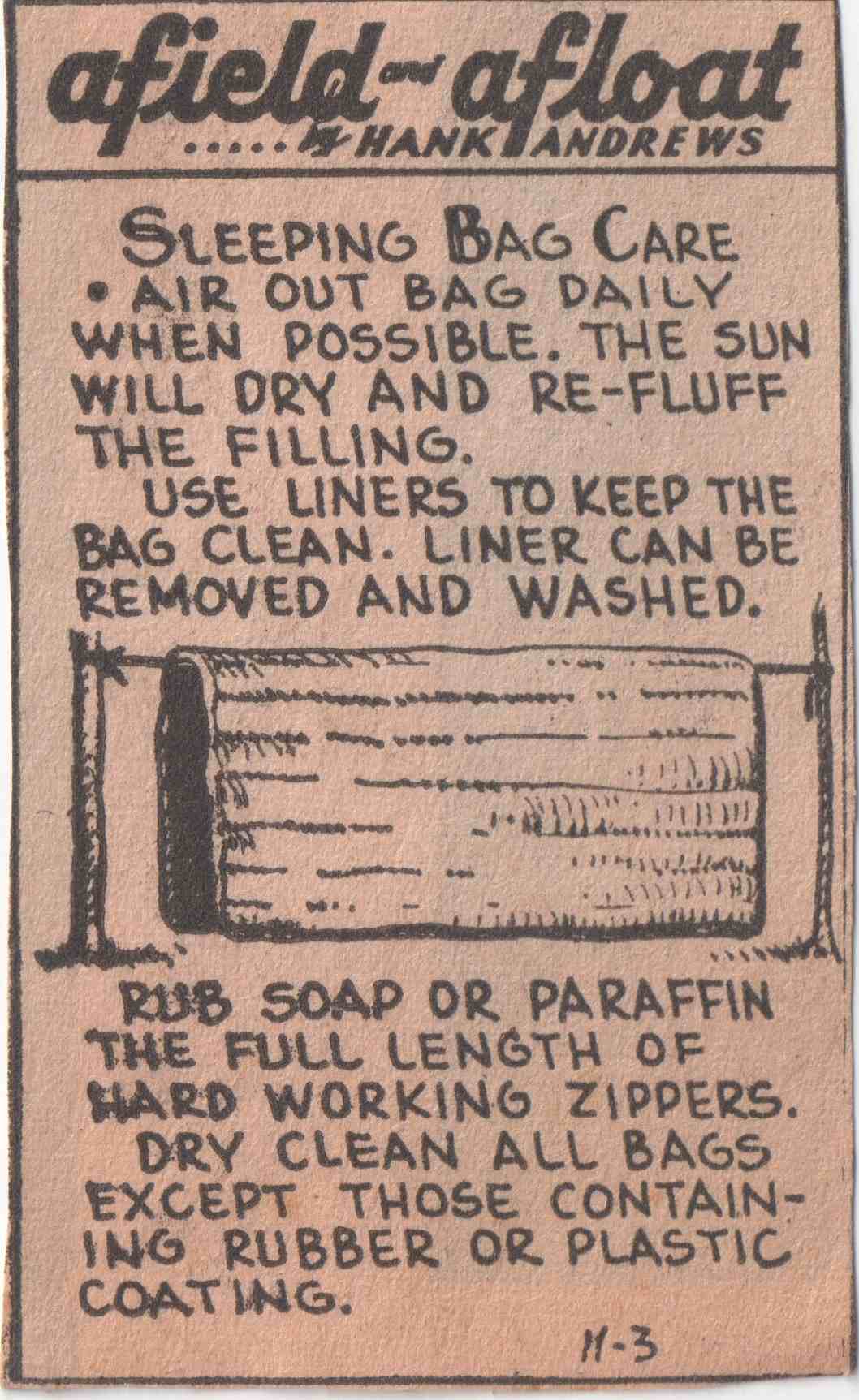
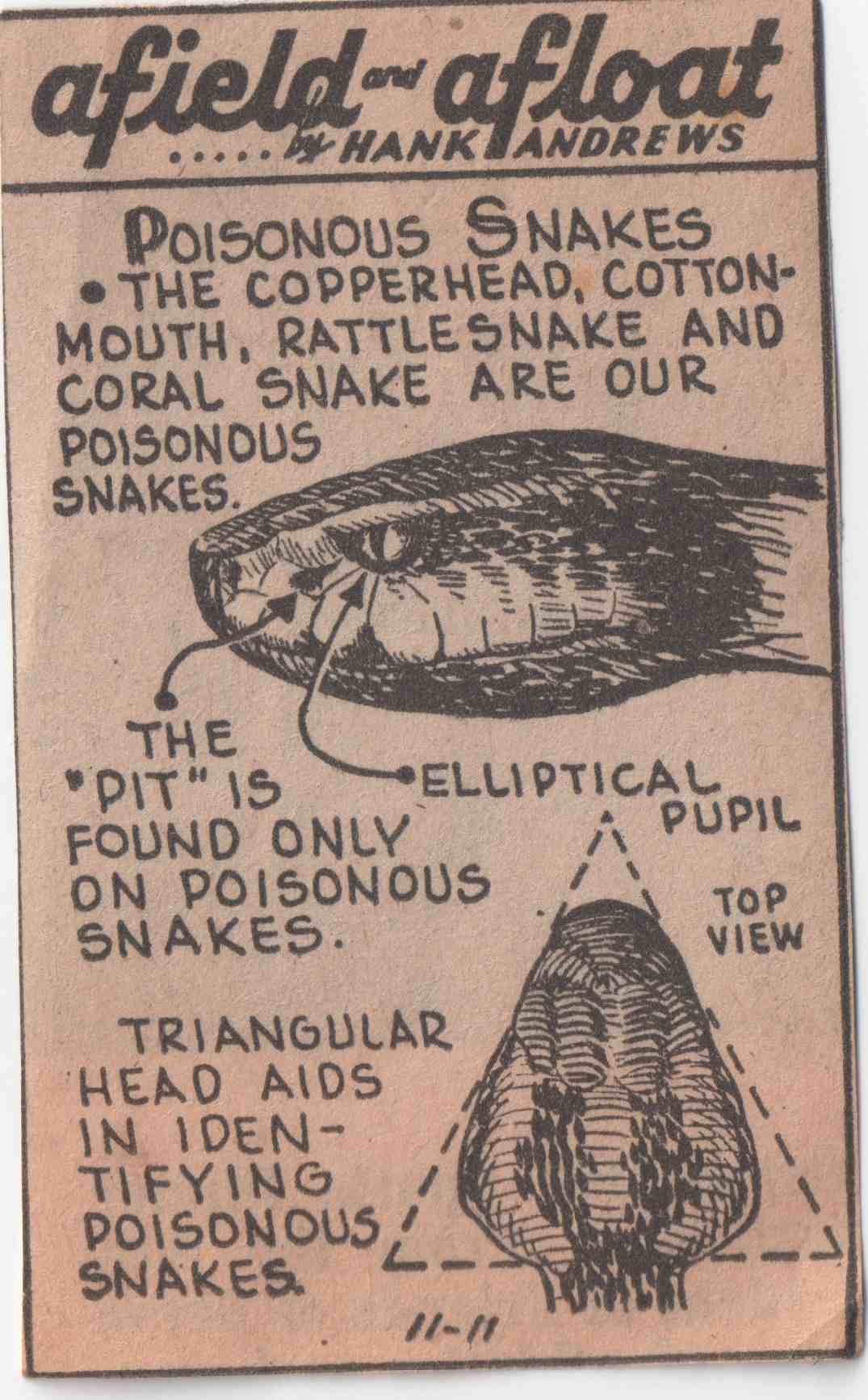
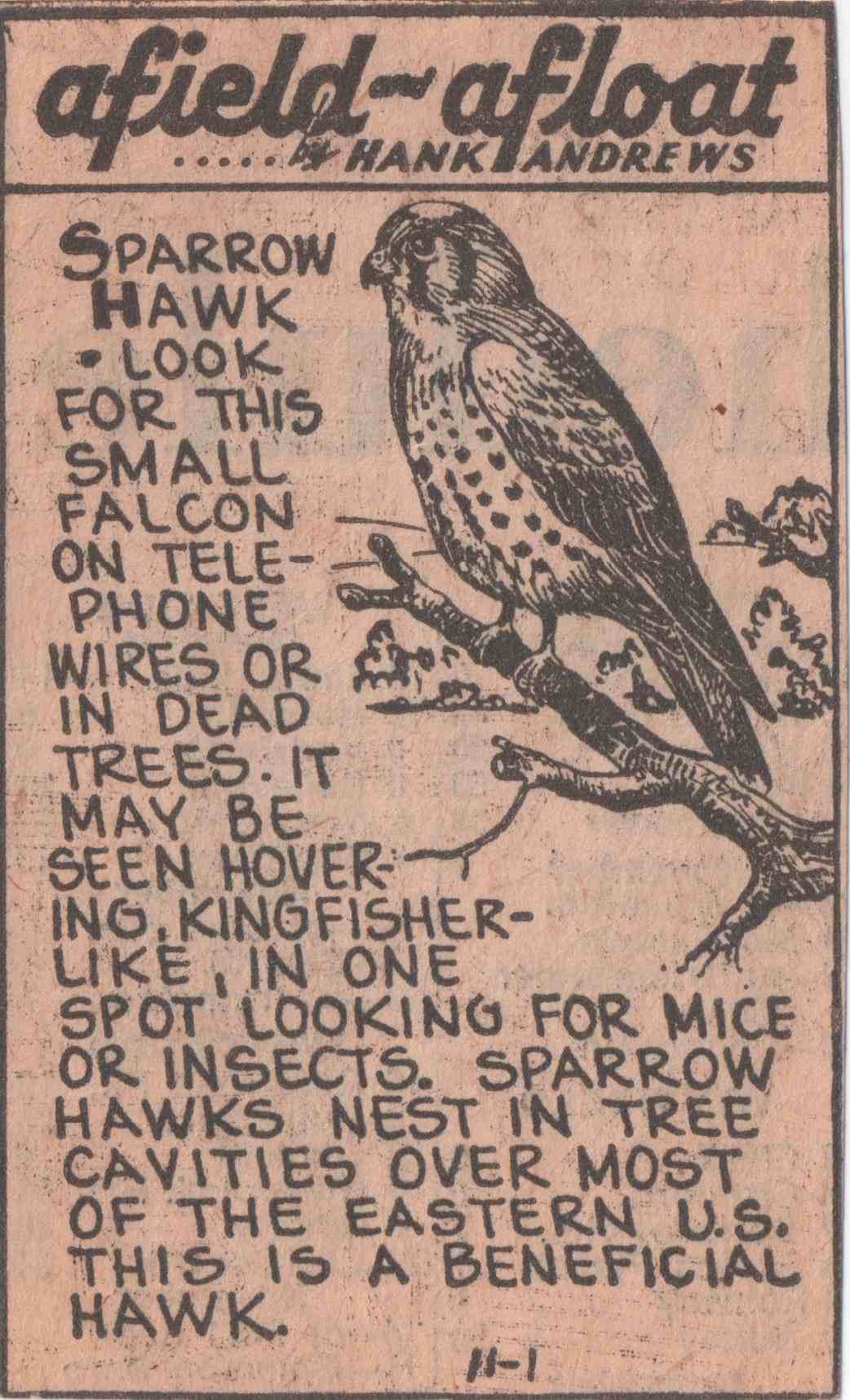
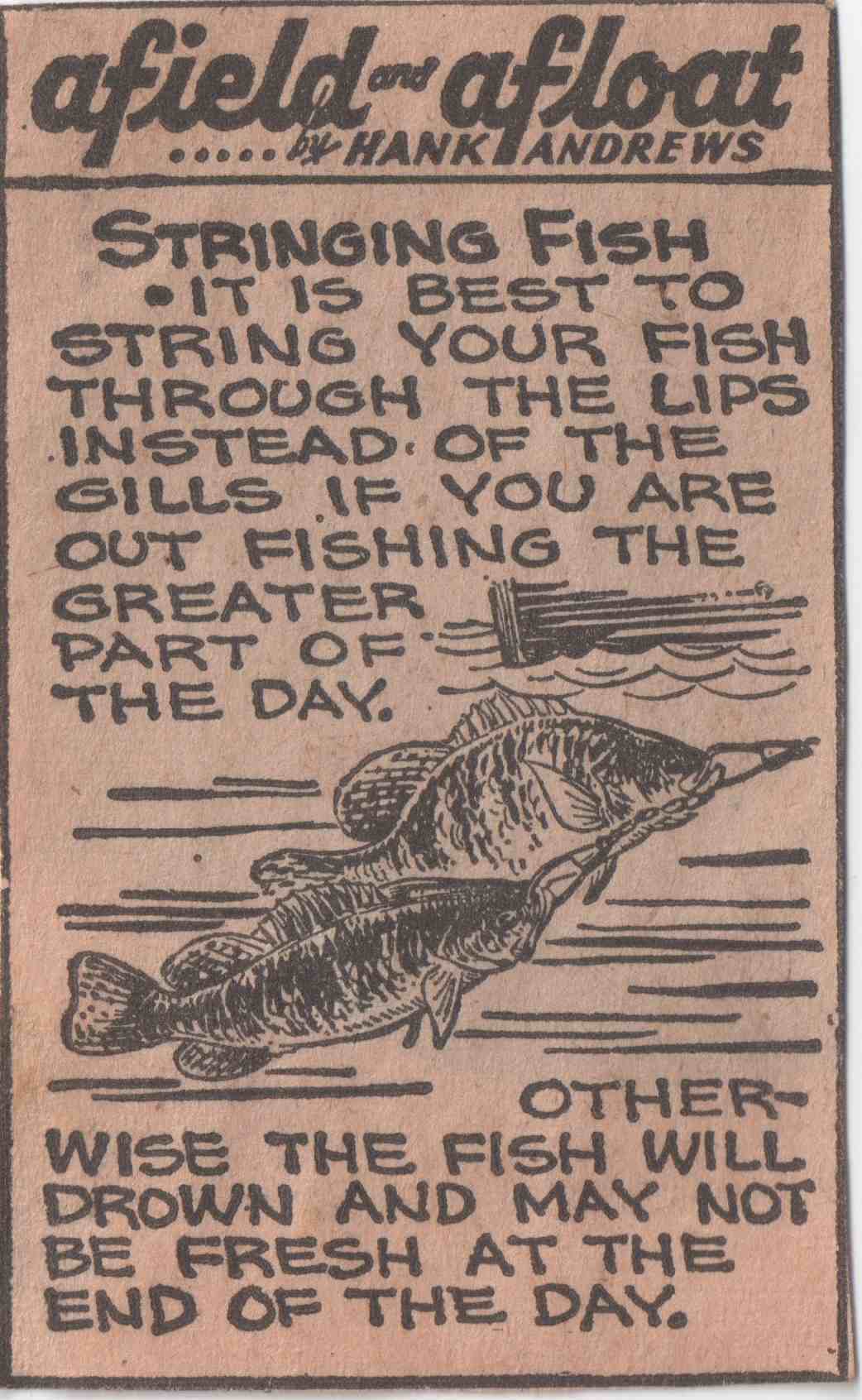
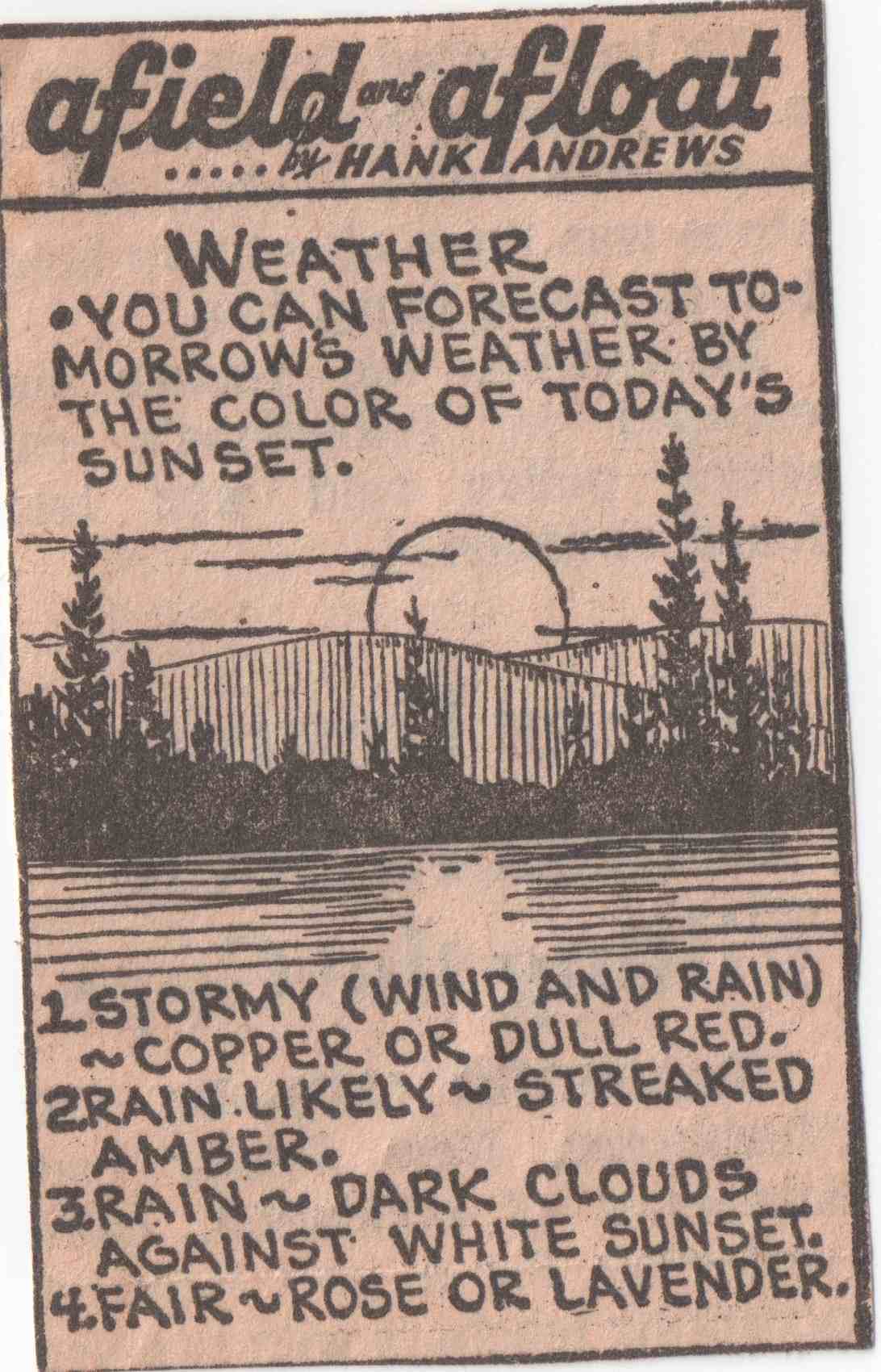
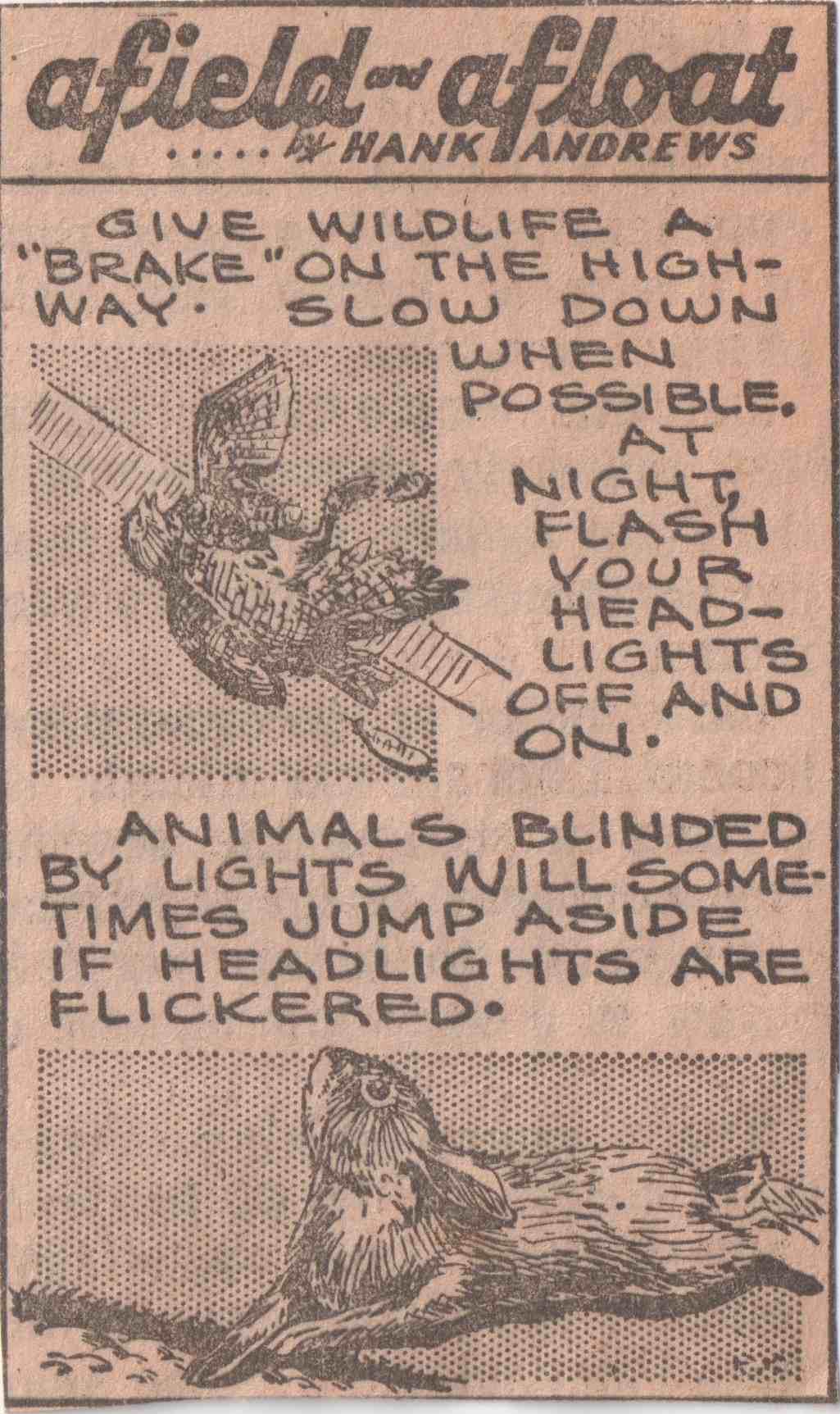
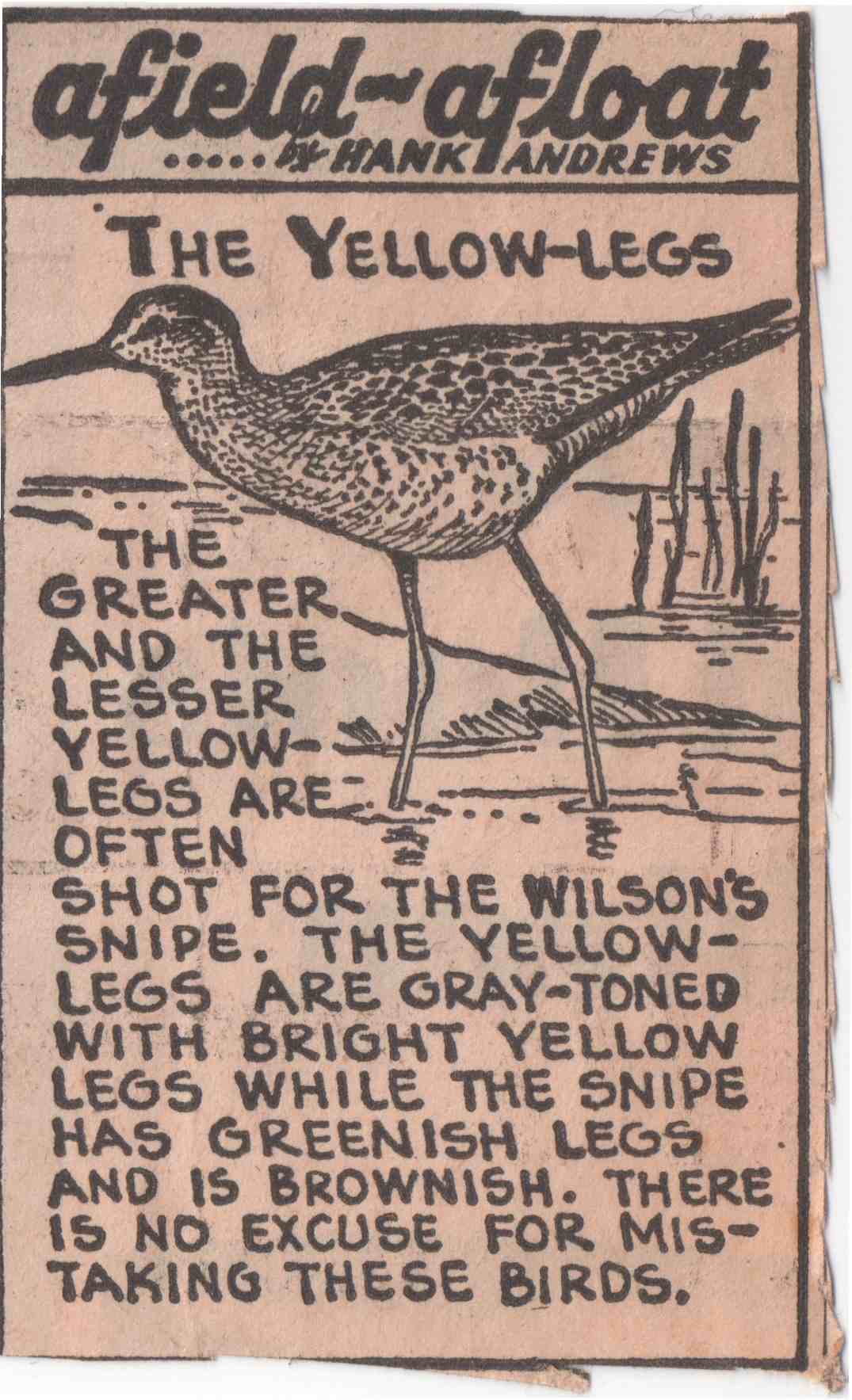
The images are from a hunting and fishing newspaper column, “afield-afloat,” by Hank Andrews, clipped by my dad probably in the late 1960s and scanned by me a few years ago…
I didn’t think it would take a fair bit of searching to find a “good” slideshow plugin for jQuery, meaning one that:
- Doesn’t need all images to be preloaded on the page (using
tags) in order to work
- Doesn’t have obtrusive back and next controls
- Can be set up with little code, and optionally, can be customized fairly easily.
I’ve used several of the popular lightbox plugins for jQuery in the past. Some are great for an image gallery web page, but for this, I wanted a minimalistic, easy-to-use plugin. Turns out prettyPhoto works nicely.
JavaScript
$(function() {
    $("a[rel^='prettyPhoto']").prettyPhoto({
        animationSpeed: 'normal', /* fast/slow/normal */
        opacity: 0.50, /* Value between 0 and 1 */
        showTitle: true, /* true/false */
        allowresize: true, /* true/false */
        default_width: 600,
        default_height: 444
    }
});